AI tools.
Better work.

All toolsWriting & researchMarketing & designVideo & audioMeetings & knowledgeAutomationSales & supportCoding & websitesProductivity & planningData & spreadsheetsSearch & learning
241 tools
Moises stem-separation preview showing music tracks on a phone beside a guitar

Moises (opens a new tab)

Separate vocals and instruments, adjust practice tracks and work on music in a shared recording workspace.

Details

Video & audio · Start yourself

Best for

Independent musicians, music teachers and creative businesses working with audio.

Your first experiment

Separate a recording you own into vocals and instruments, then listen for artefacts before using the parts in a lesson or edit.

Before you commit

Separating a track does not give you rights to reuse it. Check licences, export allowances and audio quality before commercial use.

Official source Image source Checked Nov 9, 2026 · Research-based, not a hands-on rating.

Topview’s purple icon with its white video-platform symbol

Topview (opens a new tab)

An AI video workspace that plans scenes and creates editable clips from scripts, references or product information.

Details

Video & audio · Start yourself

Best for

Small marketing teams turning an approved brief into a first video concept.

Your first experiment

Give it a factual three-scene product script, review the scene plan and inspect every generated product detail before exporting.

Before you commit

Generated presenters are not real testimonials. Check media rights, product accuracy, continuity and credit costs before publishing.

Official source Image source Checked Nov 9, 2026 · Research-based, not a hands-on rating.

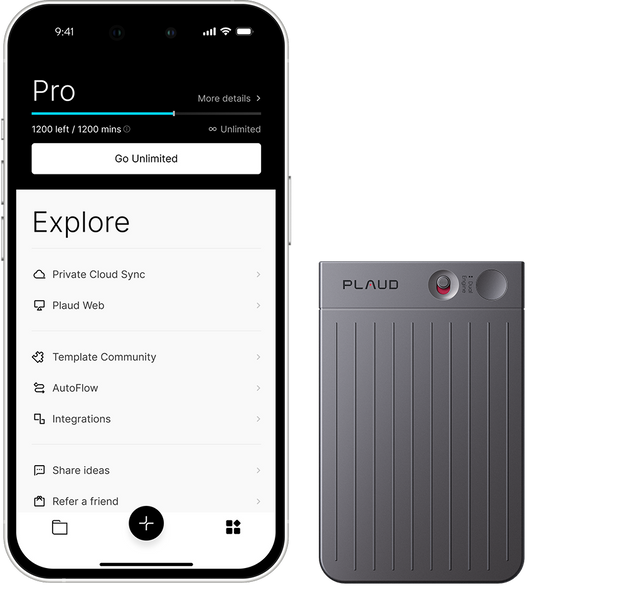
Plaud Note recorder beside a phone displaying the Plaud app

Plaud (opens a new tab)

An AI note-taking system that turns conversations captured with Plaud recorders and apps into transcripts, summaries and follow-ups.

Details

Meetings & knowledge · Some setup

Best for

Owners who need searchable notes from in-person conversations as well as online meetings.

Your first experiment

With everyone’s consent, capture a short internal discussion and compare the summary’s decisions and action owners with your own notes.

Before you commit

Check which features need a recorder or subscription. Get recording consent, restrict sharing and verify names, commitments and transcription allowances.

Official source Image source Checked Nov 9, 2026 · Research-based, not a hands-on rating.

Pipedream wordmark from its official integration platform

Pipedream (opens a new tab)

Integration infrastructure that connects AI agents and apps to business APIs, with managed account authentication and tools.

Details

Automation · Expert setup

Best for

Businesses with a developer building an assistant that needs controlled access to other services.

Your first experiment

Connect a test account and build a read-only lookup that returns one sample record. Inspect the permissions and response before adding write actions.

Before you commit

This needs development work. Scope each user’s account access carefully and review tool permissions, usage charges and failure handling.

Official source Image source Checked Nov 9, 2026 · Research-based, not a hands-on rating.
Pipedrive AI official preview with its wordmark on a purple background

Pipedrive AI (opens a new tab)

AI features inside Pipedrive for sales reports, email drafts and summaries, import mapping and pipeline guidance.

Details

Sales & support · Some setup

Best for

Sales teams already keeping their deals and follow-up activity in Pipedrive.

Your first experiment

Ask for a report on a small test pipeline, then reconcile its deal values and filters with the underlying records.

Before you commit

Features vary by plan and some are in beta. Keep CRM records accurate, check administrator controls and review drafts before sending.

Official source Image source Checked Nov 9, 2026 · Research-based, not a hands-on rating.
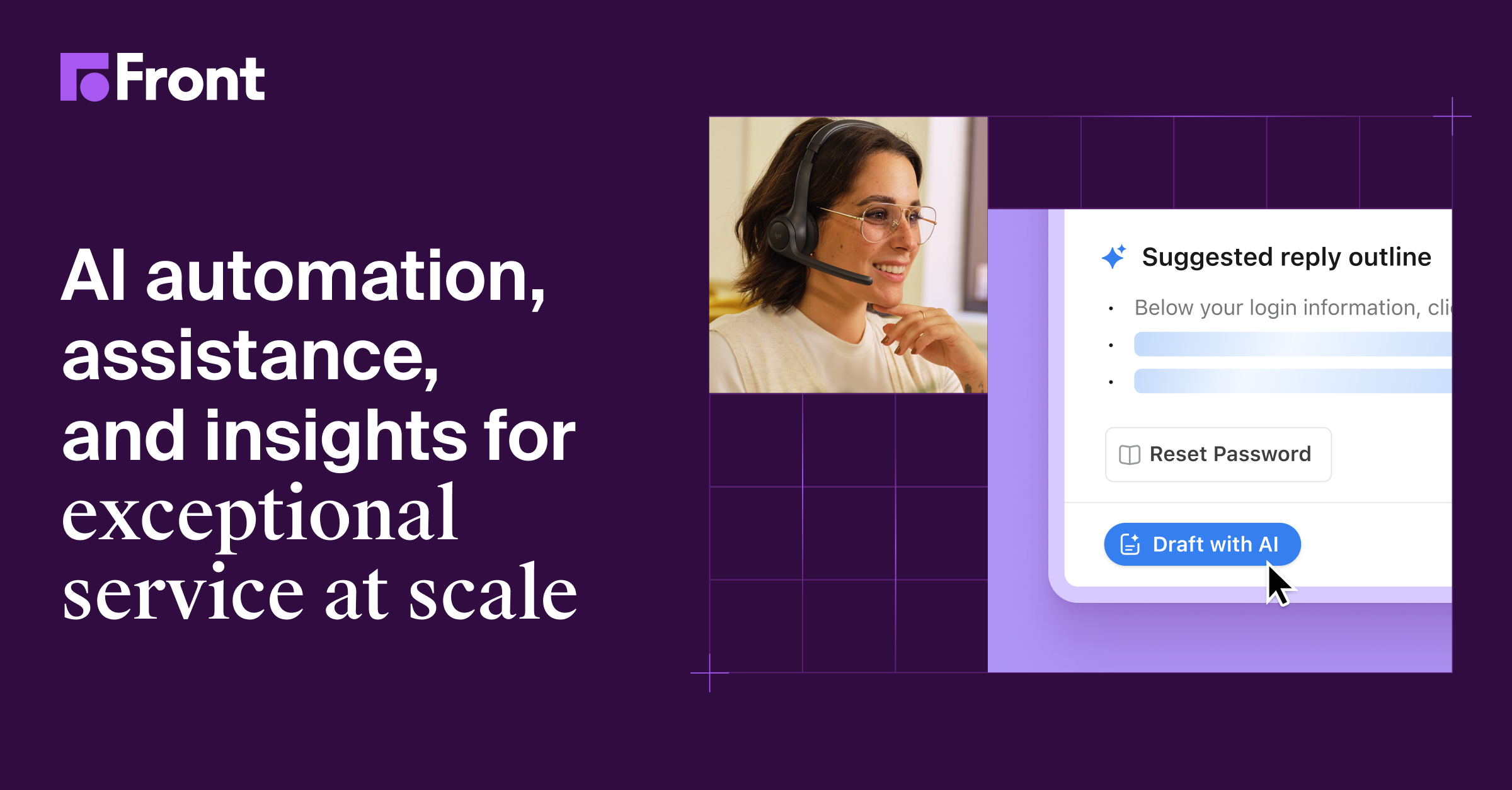
Front AI preview showing suggested replies and customer-service assistance

Front AI (opens a new tab)

AI agents and staff assistance in Front’s shared customer-service workspace, with drafting, investigation and automation tools.

Details

Sales & support · Some setup

Best for

Small customer-facing teams coordinating complex enquiries across a shared inbox.

Your first experiment

Use Copilot on an anonymised support thread to prepare a reply, then check policy details and the proposed next step before sending.

Before you commit

Keep knowledge sources current and test escalation. Review connected-system permissions, AI charges and any actions affecting customer records.

Official source Image source Checked Nov 9, 2026 · Research-based, not a hands-on rating.
WordPress.com AI website builder preview with generated site examples

WordPress.com AI Website Builder (opens a new tab)

Build and refine a hosted WordPress.com site through prompts and the visual editor, with an agent for ongoing edits.

Details

Coding & websites · Start yourself

Best for

Small businesses wanting an editable WordPress site for services, a blog or a portfolio.

Your first experiment

Describe a sample service site, replace generic text with verified details and test the mobile enquiry journey before publishing.

Before you commit

A paid plan is required. The builder currently focuses on blogs, portfolios and service sites; confirm ecommerce needs and review forms, images and accessibility.

Official source Image source Checked Nov 9, 2026 · Research-based, not a hands-on rating.
Example olive-oil storefront built with GoDaddy Airo AI Builder

GoDaddy Airo AI Builder (opens a new tab)

Create and edit websites and web apps from a conversation, with hosting and backend tools in GoDaddy’s platform.

Details

Coding & websites · Start yourself

Best for

Owners exploring a hosted service site or a simple business app.

Your first experiment

Build a booking-request prototype with fictional data and test validation, mobile layout and who can view submitted records.

Before you commit

Check plan credits, renewal costs and regional availability. Review generated logic and data permissions before using real customer information.

Official source Image source Checked Nov 9, 2026 · Research-based, not a hands-on rating.
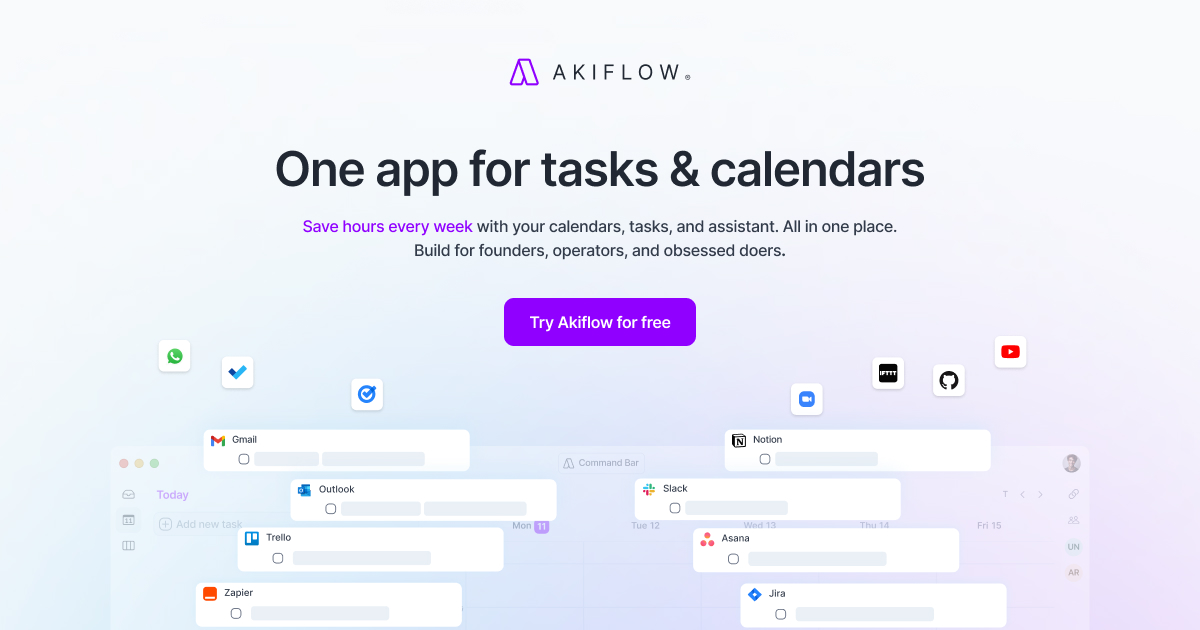
Akiflow preview showing its combined tasks and calendar planner

Akiflow (opens a new tab)

Bring tasks and calendars into a time-blocking planner with AI assistance for organising the day.

Details

Productivity & planning · Some setup

Best for

Owners balancing tasks from several tools with a crowded calendar.

Your first experiment

Bring in one calendar and five real tasks. Ask Aki to propose a plan, then adjust durations and protect time for unexpected work.

Before you commit

Calendar access and realistic task estimates matter. Check supported connections and review changes before moving shared meetings.

Official source Image source Checked Nov 9, 2026 · Research-based, not a hands-on rating.
Superwhisper official wordmark and app icon on a blue-purple background

Superwhisper (opens a new tab)

Turn speech into edited text across apps, with local and cloud model options and audio-file transcription.

Details

Productivity & planning · Start yourself

Best for

Owners who prefer dictating emails, notes and first drafts to typing.

Your first experiment

Dictate a non-confidential customer reply using your chosen model, then correct names, numbers and commitments before sending.

Before you commit

Local and cloud modes handle data differently. Check model downloads and device support, review microphone access and verify edited wording.

Official source Image source Checked Nov 9, 2026 · Research-based, not a hands-on rating.
Quadratic official preview presenting its AI spreadsheet

Quadratic (opens a new tab)

A spreadsheet with AI-assisted analysis using formulas, Python and SQL, plus file and database connections.

Details

Data & spreadsheets · Some setup

Best for

Teams that want a spreadsheet view with calculations they can inspect and reuse.

Your first experiment

Upload an anonymised sales CSV, ask for a monthly summary and chart, then inspect the generated calculation and reconcile one month manually.

Before you commit

Generated code can use the wrong filters or assumptions. Review calculations, connected-data permissions and model usage before relying on a report.

Official source Image source Checked Nov 9, 2026 · Research-based, not a hands-on rating.
Tableau Agent example creating and explaining a data visualisation

Tableau Agent (opens a new tab)

AI assistance in Tableau for preparing data, exploring questions and creating visualisations and calculations.

Details

Data & spreadsheets · Some setup

Best for

Teams already using Tableau who want help investigating their business data.

Your first experiment

Ask for a chart from an approved dataset, then check the aggregation, filters and calculation against a known total.

Before you commit

Availability depends on the Tableau product and licence. Reliable answers require sound data models and permissions; verify calculations before acting.

Official source Image source Checked Nov 9, 2026 · Research-based, not a hands-on rating.
Akkio product preview presenting its AI campaign-workflow platform

Akkio (opens a new tab)

An AI data and workflow platform for media agencies, covering campaign analysis, audience modelling and planning.

Details

Data & spreadsheets · Some setup

Best for

Marketing agencies with connected campaign data and someone responsible for its quality.

Your first experiment

Use a historical campaign dataset to ask one performance question, then reconcile the answer with the original reporting.

Before you commit

Check data permissions, joins and metric definitions. Forecasts are estimates, and audience or spending recommendations need human review.

Official source Image source Checked Nov 9, 2026 · Research-based, not a hands-on rating.
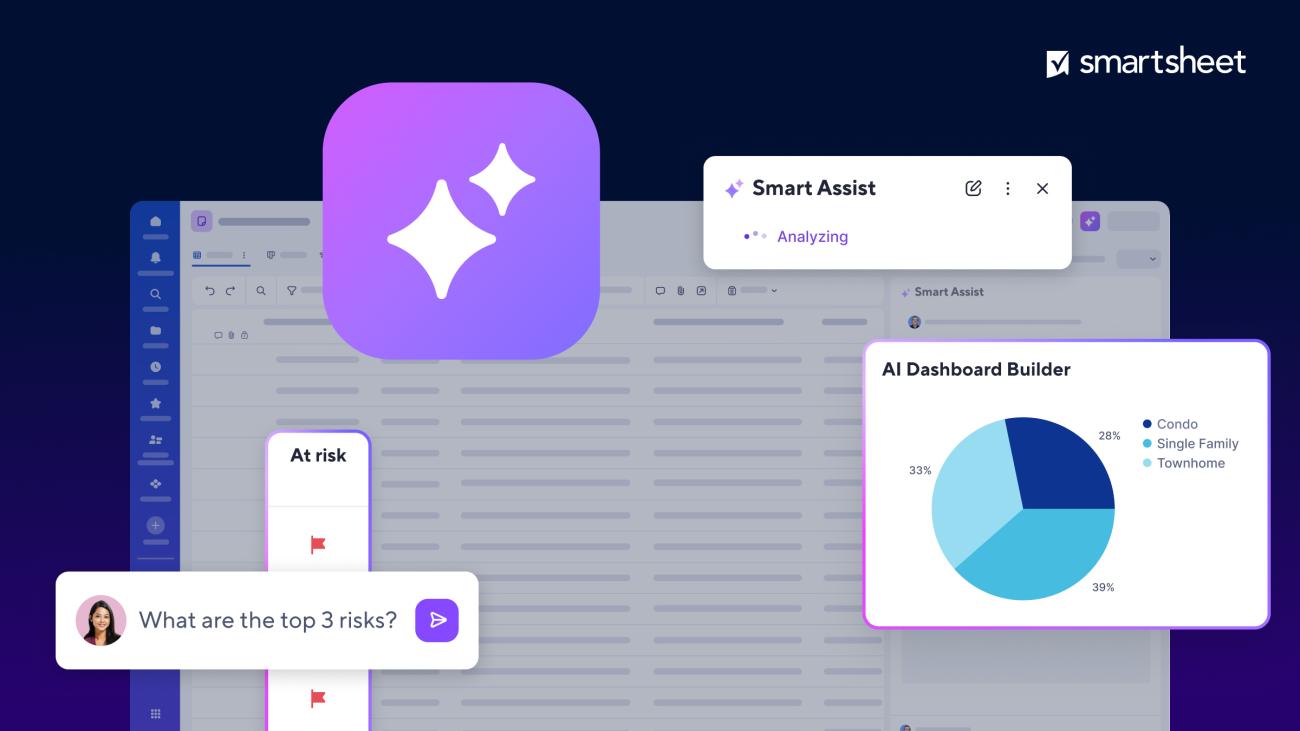
Smartsheet AI preview showing Smart Assist, a project sheet and a dashboard

Smartsheet AI (opens a new tab)

AI assistance for querying project data, generating formulas, summarising rows and building dashboards in Smartsheet.

Details

Data & spreadsheets · Some setup

Best for

Teams already using sheets to manage projects and operational reporting.

Your first experiment

On a copy of a project sheet, ask Smart Assist to explain overdue work and check every date and owner against the rows.

Before you commit

Features depend on plan, region and view. Review sheet permissions and generated formulas, and approve any changes to shared project data.

Official source Image source Checked Nov 9, 2026 · Research-based, not a hands-on rating.
Scite research preview with a cited answer linked to a source document

Scite (opens a new tab)

Search scientific literature, ask research questions and inspect whether later papers support, contrast with or mention a study.

Details

Search & learning · Start yourself

Best for

Consultants and evidence-focused teams checking claims before repeating them.

Your first experiment

Find a paper behind a relevant claim, inspect its supporting and contrasting citations and read the original passages.

Before you commit

Citation labels are automated signals, not a verdict on study quality. Check methods, context and retractions; full-text access depends on coverage.

Official source Image source Checked Nov 9, 2026 · Research-based, not a hands-on rating.

Khanmigo teaching-assistant preview with rubric and lesson-planning examples

Khanmigo (opens a new tab)

Khan Academy’s AI tutor and teaching assistant guides learning and helps educators prepare material.

Details

Search & learning · Start yourself

Best for

Eligible learners building foundational skills and small education businesses preparing lessons.

Your first experiment

Try a short lesson on a skill you need, such as introductory SQL, and explain the solution yourself before checking it.

Before you commit

Learner and parent access currently requires US residence and billing; teacher availability differs by country. Verify explanations and keep sensitive work data out of exercises.

Official source Image source Checked Nov 9, 2026 · Research-based, not a hands-on rating.

A good tool is a start.
A connected workflow is better.

Already have a few apps? See where they could save you copying, chasing and repeat work.

Map my tools
About this directory

We select tools using official product information, not paid rankings or hands-on ratings. Check current features and plans before buying.

Sources checked Nov 9, 2026. We review the directory weekly.

Your shortlist stays in this browser. Product images belong to their respective providers.