All AI tools

AI tools for productivity and planning

Find tools for organising tasks, planning work and managing everyday information. Look for less administration in your current routine, rather than another place to update.

All toolsWriting & researchMarketing & designVideo & audioMeetings & knowledgeAutomationSales & supportCoding & websitesProductivity & planningData & spreadsheetsSearch & learning
14 tools
Manus — official product artwork

Manus (opens a new tab)

An AI agent workspace designed to carry multi-step tasks through to deliverables.

Details

Productivity & planning · Some setup

Best for

Owners with clearly defined research and preparation tasks.

Your first experiment

Ask it to compare three public supplier pages using criteria you set, with links for every finding.

Before you commit

Review results and permissions before allowing an agent to send, buy or change anything.

Official source Image source Checked 12 Oct 2026 · Research-based, not a hands-on rating.

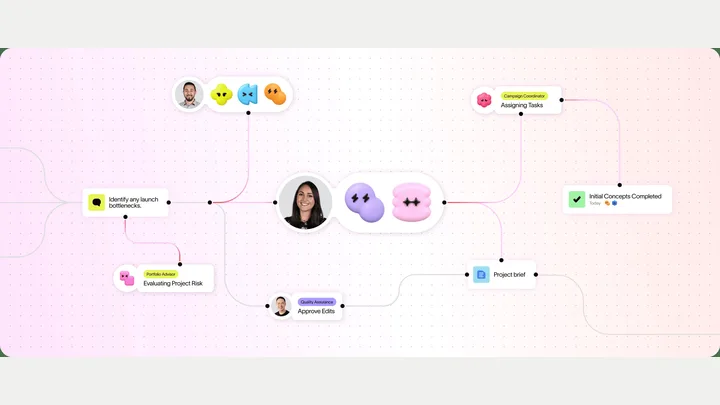
Genspark — official product artwork

Genspark (opens a new tab)

An AI workspace for research and creating documents, slides and other work outputs.

Details

Productivity & planning · Start yourself

Best for

Small teams turning a clear brief into a first usable deliverable.

Your first experiment

Provide an approved outline and ask for a short presentation, then check every claim and slide.

Before you commit

Review factual accuracy and connected-tool permissions before relying on completed tasks.

Official source Image source Checked 12 Oct 2026 · Research-based, not a hands-on rating.
Asana AI — official product preview

Asana AI (opens a new tab)

AI tools and agents within a work-management platform.

Details

Productivity & planning · Some setup

Best for

Teams coordinating shared projects with clear tasks and responsibilities.

Your first experiment

Prepare a weekly status update from one project and compare risks and next steps with the task board.

Before you commit

Keep project data current and review automated changes. Feature availability depends on the plan.

Official source Image source Checked 12 Oct 2026 · Research-based, not a hands-on rating.
ClickUp Brain — official product preview

ClickUp Brain (opens a new tab)

AI assistance connected to ClickUp tasks, documents and company knowledge.

Details

Productivity & planning · Some setup

Best for

Teams already using ClickUp to manage delivery.

Your first experiment

Ask for a project update grounded in one well-maintained task list, then check blockers and owners.

Before you commit

Access and answers depend on workspace permissions and source quality. Check AI plan requirements.

Official source Image source Checked 12 Oct 2026 · Research-based, not a hands-on rating.
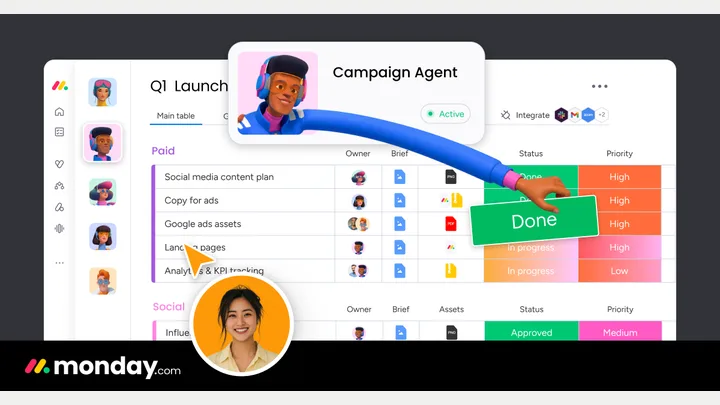
monday.com AI — official product preview

monday.com AI (opens a new tab)

AI assistance and agents connected to work boards, documents and workflows.

Details

Productivity & planning · Some setup

Best for

Teams managing repeatable operational work in monday.com.

Your first experiment

Use a sample project board to draft a status report and identify tasks missing an owner.

Before you commit

Check admin controls, AI usage and permissions before allowing an agent to update shared work.

Official source Image source Checked 12 Oct 2026 · Research-based, not a hands-on rating.
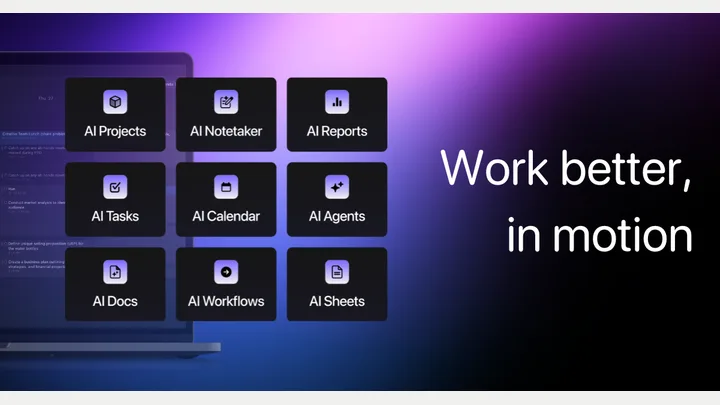
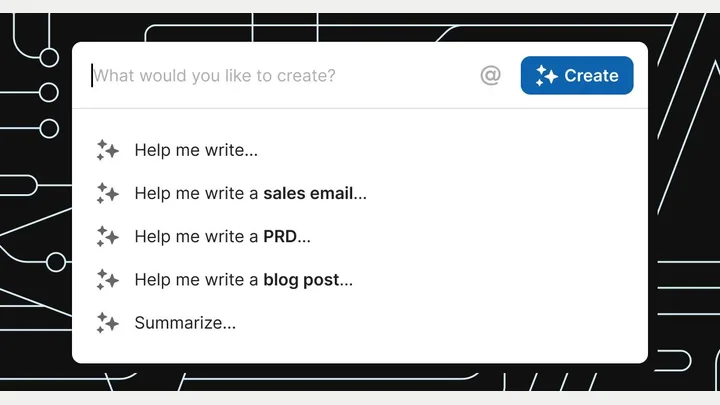
Motion — official product preview

Motion (opens a new tab)

AI-assisted planning for tasks, projects, calendars and team work.

Details

Productivity & planning · Some setup

Best for

Teams juggling deadlines and a shifting daily schedule.

Your first experiment

Plan one real project with task estimates, then compare the proposed week with actual availability.

Before you commit

Bad time estimates create unrealistic plans. Confirm calendar compatibility and team-seat costs.

Official source Image source Checked 12 Oct 2026 · Research-based, not a hands-on rating.
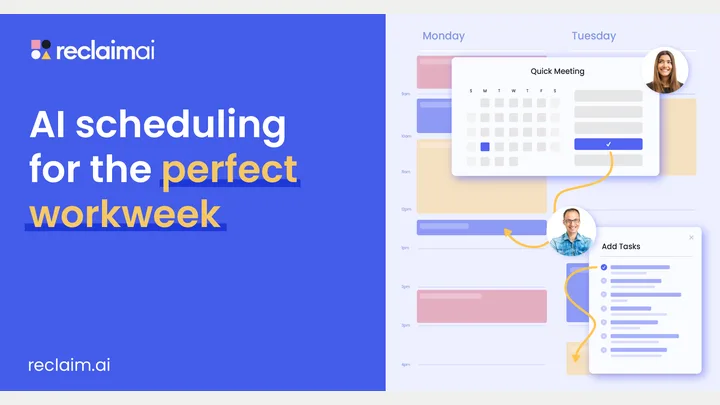
Reclaim — official product preview

Reclaim (opens a new tab)

Schedule tasks, focus time and habits around a changing calendar.

Details

Productivity & planning · Some setup

Best for

Owners whose important work gets squeezed out by meetings.

Your first experiment

Protect two realistic focus blocks for a weekly priority and see how they adapt around meetings.

Before you commit

Review calendar permissions and scheduling rules so automation does not crowd out personal commitments.

Official source Image source Checked 12 Oct 2026 · Research-based, not a hands-on rating.
Taskade — official product artwork

Taskade (opens a new tab)

Build AI-assisted business apps, agents and workflows around shared tasks and information.

Details

Productivity & planning · Some setup

Best for

Small teams prototyping a project tracker or simple internal process.

Your first experiment

Create a lightweight client-onboarding tracker using sample data and a clear completion checklist.

Before you commit

Test permissions and automations before entering real customer data or relying on reminders.

Official source Image source Checked 12 Oct 2026 · Research-based, not a hands-on rating.
Coda — official product artwork

Superhuman Docs (Coda) (opens a new tab)

Coda is now Superhuman Docs: a shared workspace with documents, tables and AI that helps build trackers, analyse data and draft content.

Details

Productivity & planning · Some setup

Best for

Teams building lightweight trackers and shared operating documents.

Your first experiment

Create a project table, then summarise its open issues into a weekly update for review.

Before you commit

Check table permissions and any actions that affect real records or connected tools.

Official source Image source Checked 12 Oct 2026 · Research-based, not a hands-on rating.
Wispr Flow official preview demonstrating voice dictation

Wispr Flow (opens a new tab)

Turn speech into edited text for everyday apps, and capture meeting notes with Wispr Notetaker.

Details

Productivity & planning · Start yourself

Best for

Owners who find it easier to dictate a first draft than type it.

Your first experiment

Dictate an anonymised customer reply, then compare the text with what you meant and correct names, numbers and commitments.

Before you commit

Review microphone permissions and audio-data handling, and get participant consent for meeting notes. Automatic cleanup can alter names, numbers and specialist terms.

Official source Image source Checked 12 Oct 2026 · Research-based, not a hands-on rating.
Superhuman brand artwork from the official Mail product page

Superhuman Mail (opens a new tab)

Use AI to organise an inbox, draft replies and work through email in a dedicated mail workspace.

Details

Productivity & planning · Some setup

Best for

Owners and teams spending substantial time handling business email.

Your first experiment

Draft a reply to a non-sensitive email and check every promised action, date and attachment before sending.

Before you commit

Review mailbox access, supported email providers and automation controls. AI drafts can invent commitments or miss important context.

Official source Image source Checked 12 Oct 2026 · Research-based, not a hands-on rating.
Todoist official task management artwork

Todoist Assist (opens a new tab)

Use AI to turn forwarded emails into tasks, build filters from plain language and break larger tasks into smaller steps.

Details

Productivity & planning · Start yourself

Best for

Owners already organising day-to-day work in Todoist.

Your first experiment

Enable Task Assist and break a task such as preparing a client workshop into subtasks. Remove unnecessary steps and assign realistic dates yourself.

Before you commit

Feature access varies by plan, and Task Assist needs enabling. Check extracted deadlines and avoid forwarding sensitive email content without reviewing data handling.

Official source Image source Checked 12 Oct 2026 · Research-based, not a hands-on rating.
Raycast AI's official virtual assistant artwork

Raycast AI (opens a new tab)

A desktop AI assistant that uses files, screen context and connected tools to help with everyday work.

Details

Productivity & planning · Some setup

Best for

Owners who want quick AI assistance while working across desktop apps.

Your first experiment

Turn a set of your own non-confidential notes into a client-update draft, then check every fact before sending it.

Before you commit

The current AI assistant requires macOS Tahoe and Apple Silicon. Review screen and app access, and check your plan's AI credits.

Official source Image source Checked 12 Oct 2026 · Research-based, not a hands-on rating.
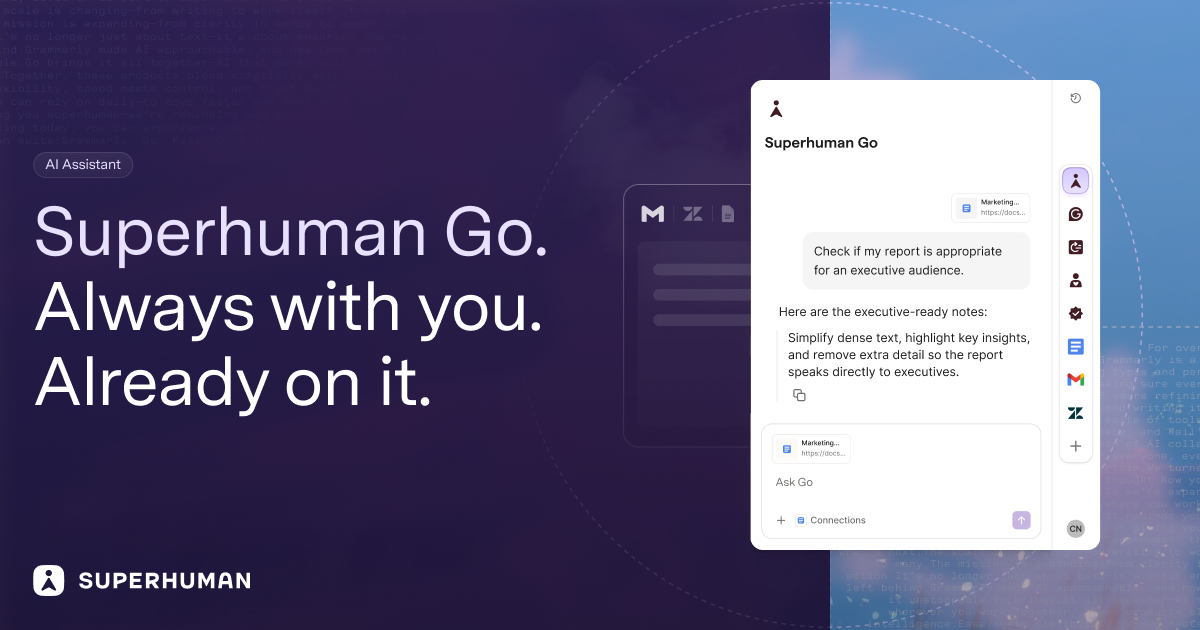
Superhuman Go product artwork showing its assistant panel

Superhuman Go (opens a new tab)

An AI assistant that works alongside your apps, using selected context to help draft, research and carry out tasks.

Details

Productivity & planning · Some setup

Best for

People handling related work across documents, email and other business apps.

Your first experiment

Use an approved project brief to draft a short status update and a list of missing information, then check both against the brief.

Before you commit

Review connected-app permissions and data settings. Keep approval steps for messages, shared documents and actions that change business records.

Official source Image source Checked 12 Oct 2026 · Research-based, not a hands-on rating.
Choosing a tool

Test one recurring week of work. Check calendar permissions, manual correction and whether completed tasks stay in sync. Measure the extra maintenance as well as the time saved.

A good tool is a start.
A connected workflow is better.

Already have a few apps? See where they could save you copying, chasing and repeat work.

Map my tools
About this directory

We select tools using official product information, not paid rankings or hands-on ratings. Check current features and plans before buying.

Sources checked 12 Oct 2026. We review the directory weekly.

Your shortlist stays in this browser. Product images belong to their respective providers.