All AI tools

AI tools for marketing and design

Explore tools for campaign copy, branded visuals and everyday design. Choose around the work your team actually publishes, rather than a striking demo.

All toolsWriting & researchMarketing & designVideo & audioMeetings & knowledgeAutomationSales & supportCoding & websitesProductivity & planningData & spreadsheetsSearch & learning
36 tools
Canva — official product preview

Canva (opens a new tab)

A visual design workspace with AI-assisted writing, image creation and editing.

Details

Marketing & design · Start yourself

Best for

Small teams making their own social posts and sales materials.

Your first experiment

Use one approved offer to make a social post and a matching flyer, then check the copy and brand details.

Before you commit

AI features have different availability and usage limits. Check asset licensing before commercial use.

Official source Image source Checked 12 Oct 2026 · Research-based, not a hands-on rating.

Midjourney — official product artwork

Midjourney (opens a new tab)

Generate images from text and visual references, edit them, and turn still images into short videos.

Details

Marketing & design · Start yourself

Best for

Brands exploring a campaign's visual direction before a photoshoot.

Your first experiment

Create three moodboard directions for a seasonal campaign, then take the strongest to your designer.

Before you commit

Check commercial-use and visibility settings. Generated products and text may need correction.

Official source Image source Checked 12 Oct 2026 · Research-based, not a hands-on rating.
Leonardo.Ai — official product artwork

Leonardo.Ai (opens a new tab)

Generate, edit and upscale images, with tools for bringing visuals into motion.

Details

Marketing & design · Start yourself

Best for

Creative teams developing repeatable visual styles and campaign concepts.

Your first experiment

Use an approved reference image to explore background variations for a campaign moodboard.

Before you commit

Check rights and privacy settings. Do not present an invented product detail as a real feature.

Official source Image source Checked 12 Oct 2026 · Research-based, not a hands-on rating.
Picsart — official product artwork

Picsart (opens a new tab)

Picsart combines photo and video editing with AI-assisted design and content tools.

Details

Marketing & design · Start yourself

Best for

Creators making social visuals without a complex desktop design workflow.

Your first experiment

Edit an original product photo into two channel-ready designs using your brand colours.

Before you commit

Check generated details, asset permissions and export quality before publishing.

Official source Image source Checked 12 Oct 2026 · Research-based, not a hands-on rating.
Magnific (Freepik) — official product artwork

Magnific (Freepik) (opens a new tab)

Freepik's AI creation tools now sit in the Magnific creative suite for images, video and audio.

Details

Marketing & design · Start yourself

Best for

Marketing teams combining visual generation with a broader creative workflow.

Your first experiment

Explore two campaign image directions, then edit the chosen one into your required format.

Before you commit

Check which subscription and licence cover your chosen model, assets and intended use.

Official source Image source Checked 12 Oct 2026 · Research-based, not a hands-on rating.
Gamma — official product preview

Gamma (opens a new tab)

Turns outlines and source material into editable presentations and visual documents.

Details

Marketing & design · Start yourself

Best for

Consultants and sales teams preparing an initial proposal deck.

Your first experiment

Start with an approved five-point proposal. Generate a deck and replace generic statements with your evidence.

Before you commit

Check export formatting and data settings. Review every chart and claim before presenting.

Official source Image source Checked 12 Oct 2026 · Research-based, not a hands-on rating.
Krea — official product artwork

Krea (opens a new tab)

A creative suite for generating, editing and enhancing images and videos.

Details

Marketing & design · Start yourself

Best for

Designers who want to explore several visual approaches in one workspace.

Your first experiment

Develop three background treatments around an approved campaign concept and compare them at mobile size.

Before you commit

Different models have different limits and terms. Inspect fine detail before print or client delivery.

Official source Image source Checked 12 Oct 2026 · Research-based, not a hands-on rating.
Photoroom — official product preview

Photoroom (opens a new tab)

Create and edit product photos, including background removal and new scenes.

Details

Marketing & design · Start yourself

Best for

Online shops needing consistent product images.

Your first experiment

Use one real product photo to create a clean catalogue image and an alternative background.

Before you commit

Keep product colours, shape and included accessories accurate; an attractive image must not mislead buyers.

Official source Image source Checked 12 Oct 2026 · Research-based, not a hands-on rating.
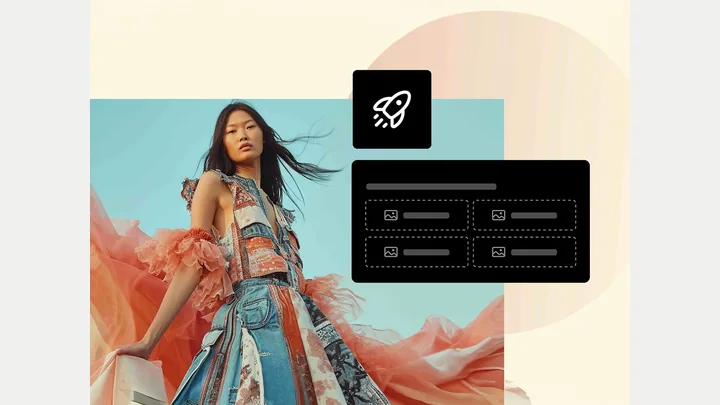
Adobe Firefly — official product preview

Adobe Firefly (opens a new tab)

Generative tools for creating and editing visual content within Adobe’s creative ecosystem.

Details

Marketing & design · Start yourself

Best for

Businesses exploring visual concepts and campaign variations.

Your first experiment

Generate three background concepts for a campaign using your own approved product photography.

Before you commit

Model terms and credit requirements vary. Avoid depicting generated scenes as real client results.

Official source Image source Checked 12 Oct 2026 · Research-based, not a hands-on rating.
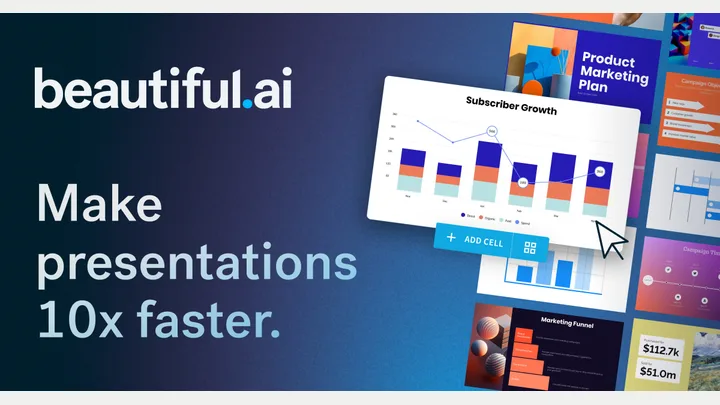
Beautiful.ai — official product preview

Beautiful.ai (opens a new tab)

Create presentations with AI assistance and layouts that help maintain visual consistency.

Details

Marketing & design · Start yourself

Best for

Teams preparing recurring proposals and business presentations.

Your first experiment

Turn an approved proposal outline into a deck, then review slide hierarchy and factual detail.

Before you commit

Check export and brand controls on your plan. Generated slides need content and accessibility review.

Official source Image source Checked 12 Oct 2026 · Research-based, not a hands-on rating.
Ideogram — official product preview

Ideogram (opens a new tab)

Generate and edit images and short videos from prompts and references, with tools for backgrounds, upscaling and layered editing.

Details

Marketing & design · Start yourself

Best for

Teams exploring poster, campaign and illustration ideas.

Your first experiment

Create three poster concepts for a real event, then rebuild the final layout with verified text and your logo.

Before you commit

Check spelling and image rights. Review whether generations are public or private on your plan.

Official source Image source Checked 12 Oct 2026 · Research-based, not a hands-on rating.
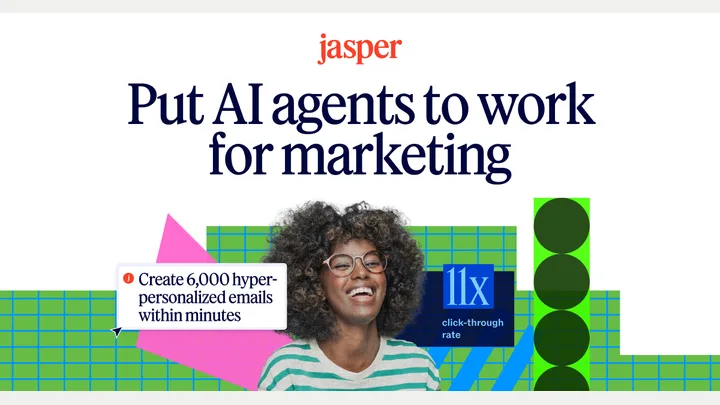
Jasper — official product preview

Jasper (opens a new tab)

A marketing workspace for producing content with brand context and AI workflows.

Details

Marketing & design · Some setup

Best for

Marketing teams creating campaigns across several channels.

Your first experiment

Use an approved product brief to draft an email and three social posts. Compare tone and claims.

Before you commit

It needs good brand inputs and editorial review. Confirm seats, workflow access and usage limits.

Official source Image source Checked 12 Oct 2026 · Research-based, not a hands-on rating.
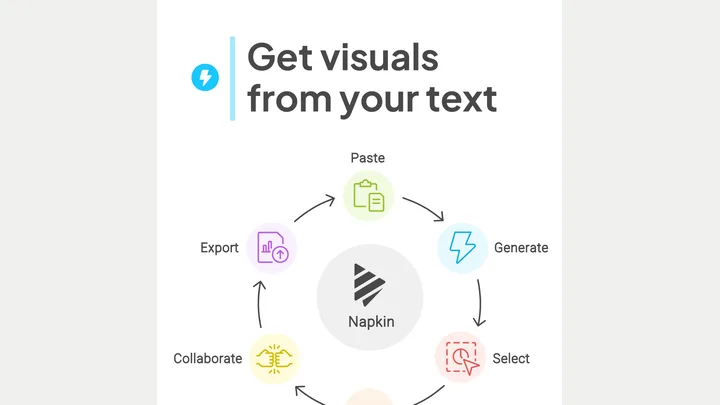
Napkin — official product preview

Napkin (opens a new tab)

Turn written explanations into diagrams, flowcharts and other visual summaries.

Details

Marketing & design · Start yourself

Best for

Teams explaining a process in proposals, training or articles.

Your first experiment

Paste a five-step onboarding process and choose a diagram that makes the handoffs clear.

Before you commit

Check that arrows and groupings preserve your meaning. Review text size and export options.

Official source Image source Checked 12 Oct 2026 · Research-based, not a hands-on rating.

Recraft — official product preview

Recraft (opens a new tab)

AI image and design tools for illustrations, visuals and vector work.

Details

Marketing & design · Start yourself

Best for

Designers and small teams developing a consistent visual direction.

Your first experiment

Generate three illustrations from the same approved style brief and compare consistency.

Before you commit

Check licence terms and vector availability on your plan. Inspect details before using artwork publicly.

Official source Image source Checked 12 Oct 2026 · Research-based, not a hands-on rating.
remove.bg — official product preview

remove.bg (opens a new tab)

Automatically remove photo backgrounds for cleaner cut-outs.

Details

Marketing & design · Start yourself

Best for

Teams preparing product, staff or campaign images.

Your first experiment

Remove the background from one product photo and check fine edges before placing it in a layout.

Before you commit

Inspect hair, transparent objects and fine details. Check resolution and commercial usage requirements.

Official source Image source Checked 12 Oct 2026 · Research-based, not a hands-on rating.
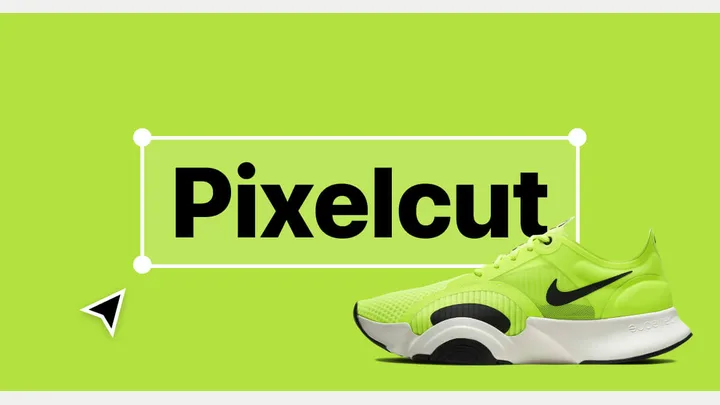
Pixelcut — official product artwork

Pixelcut (opens a new tab)

AI-assisted photo editing for backgrounds, cleanup and product imagery.

Details

Marketing & design · Start yourself

Best for

Small shops creating consistent product listings from their own photos.

Your first experiment

Give three real product photos the same clean background and compare colour accuracy.

Before you commit

Do not let generated backgrounds or edits misrepresent the item's size, finish or included accessories.

Official source Image source Checked 12 Oct 2026 · Research-based, not a hands-on rating.
Choosing a tool

Test a real format such as a product image or social post. Check brand consistency, export quality and commercial-use terms. Include the time spent correcting the result.

A good tool is a start.
A connected workflow is better.

Already have a few apps? See where they could save you copying, chasing and repeat work.

Map my tools
About this directory

We select tools using official product information, not paid rankings or hands-on ratings. Check current features and plans before buying.

Sources checked 12 Oct 2026. We review the directory weekly.

Your shortlist stays in this browser. Product images belong to their respective providers.