AI tools.
Better work.

All toolsWriting & researchMarketing & designVideo & audioMeetings & knowledgeAutomationSales & supportCoding & websitesProductivity & planningData & spreadsheetsSearch & learning
218 tools
LanguageTool writing assistant logo

LanguageTool (opens a new tab)

Check spelling, grammar and style across several languages, with AI help to rephrase text.

Details

Writing & research · Start yourself

Best for

Businesses writing customer messages or website copy in more than one language.

Your first experiment

Check a short customer email in a language you use for work, then compare each suggested change with the intended meaning.

Before you commit

Suggestions can change tone or meaning, and language coverage varies. Review browser-extension permissions before using it around sensitive text.

Official source Image source Checked 12 Oct 2026 · Research-based, not a hands-on rating.
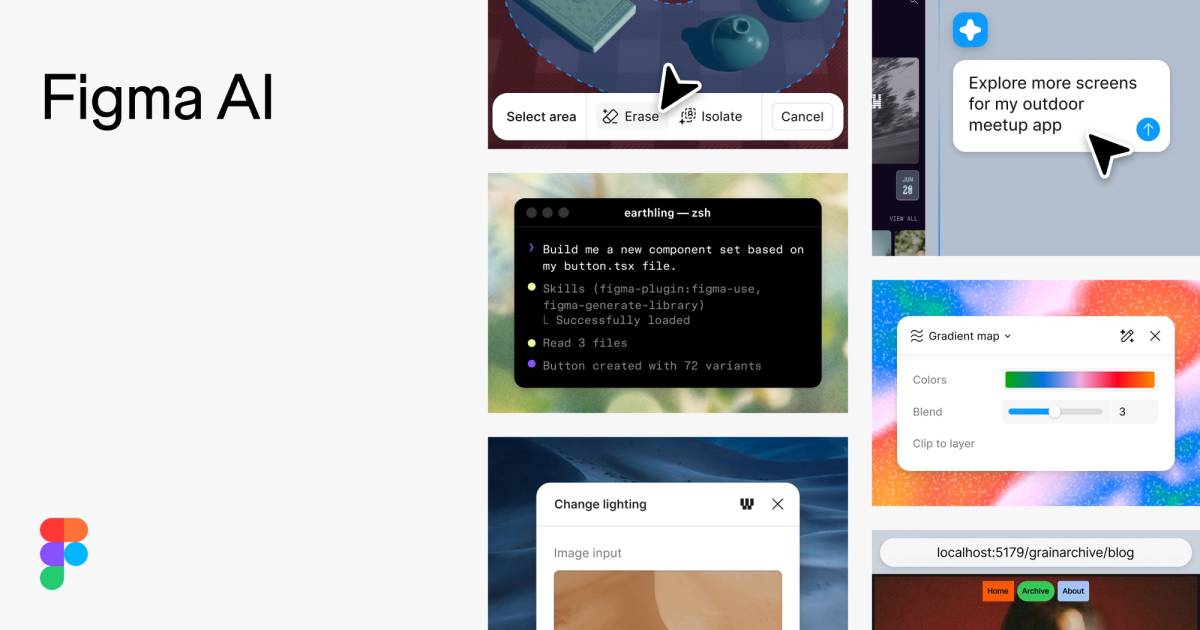
Figma AI preview with design and prototype examples

Figma AI (opens a new tab)

Use AI to explore design ideas, edit images and build interactive prototypes alongside collaborative design tools.

Details

Marketing & design · Some setup

Best for

Teams planning a website, app or customer experience before development.

Your first experiment

Describe one booking-screen idea, generate a prototype and ask a colleague to complete the booking flow without guidance.

Before you commit

A convincing prototype still needs accessibility and usability checks. Review seat access, AI credits and content-training settings.

Official source Image source Checked 12 Oct 2026 · Research-based, not a hands-on rating.

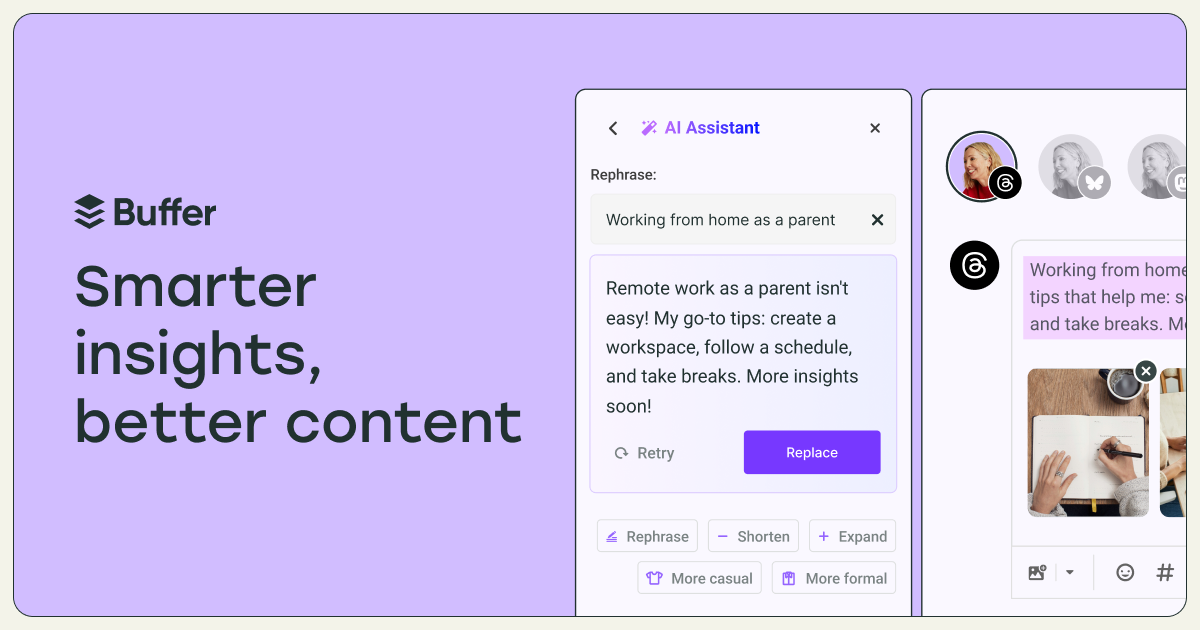
Buffer AI Assistant interface for drafting social posts

Buffer AI Assistant (opens a new tab)

Draft and rework social posts inside Buffer, adjusting wording for different channels.

Details

Marketing & design · Start yourself

Best for

Small teams turning one useful business update into several social posts.

Your first experiment

Paste a factual product update, draft versions for two channels and edit each to match your voice before scheduling.

Before you commit

Verify claims, links and platform limits. Repeated AI phrasing can make posts sound generic; keep a person responsible for final approval.

Official source Image source Checked 12 Oct 2026 · Research-based, not a hands-on rating.
Colourful portrait collage from Adobe Photoshop’s official product page

Adobe Photoshop (opens a new tab)

Combine layered photo editing with AI tools for selecting, removing and generating parts of an image.

Details

Marketing & design · Some setup

Best for

Businesses that need precise control over product photos and campaign artwork.

Your first experiment

Use a copy of a product photo to remove a distracting background object, then inspect the product edges at full size.

Before you commit

Generated edits can misrepresent products or introduce defects. Check the selected model’s usage terms and credit requirements.

Official source Image source Checked 12 Oct 2026 · Research-based, not a hands-on rating.
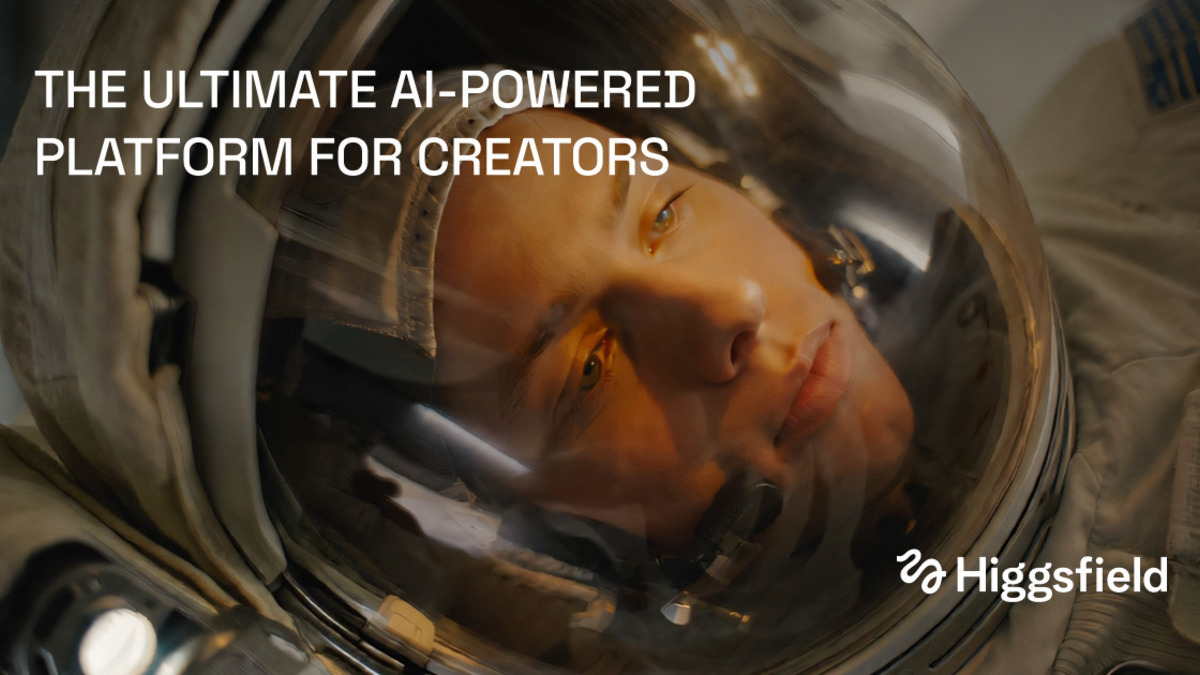
Higgsfield official preview showing a cinematic helmet illustration

Higgsfield (opens a new tab)

Generate and edit video, images and voice using prompts, visual references and a choice of AI models.

Details

Video & audio · Start yourself

Best for

Owners exploring short promotional videos and visual concepts.

Your first experiment

Use an image you own to create a short motion concept, then check product details and text frame by frame.

Before you commit

Models differ in controls, rights and credit costs. Generated people, branding and product details need careful review before publication.

Official source Image source Checked 12 Oct 2026 · Research-based, not a hands-on rating.
LTX Studio official preview with a collage of cinematic scenes

LTX Studio (opens a new tab)

Plan scripts and storyboards, then generate and refine scenes in a shared AI filmmaking workspace.

Details

Video & audio · Some setup

Best for

Teams developing a video idea that needs several connected shots.

Your first experiment

Turn a short service explanation into a three-scene storyboard and revise the shot order before generating clips.

Before you commit

Characters, objects and motion can drift between scenes. Check model terms, credits and the final sequence before using it commercially.

Official source Image source Checked 12 Oct 2026 · Research-based, not a hands-on rating.
Google Flow official filmmaking product preview

Google Flow (opens a new tab)

Create AI video scenes with prompts and visual references in Google’s filmmaking workspace.

Details

Video & audio · Start yourself

Best for

Owners testing short visual stories or campaign concepts.

Your first experiment

Use a reference image you own to generate one short scene, then try a revised camera instruction and compare the results.

Before you commit

Access depends on age, region and an eligible plan. Check credits and scrutinise continuity, text and product accuracy in every clip.

Official source Image source Checked 12 Oct 2026 · Research-based, not a hands-on rating.
Miro logo on its official yellow product preview

Miro AI (opens a new tab)

Turn shared board content into diagrams, plans and repeatable workflows with AI assistance.

Details

Meetings & knowledge · Some setup

Best for

Teams organising workshops, mapping processes or turning visual notes into plans.

Your first experiment

Use anonymised workshop notes to draft a process diagram, then ask participants to correct missing steps.

Before you commit

AI can overlook exceptions or minority views. Check board access, source context and credit allowances before sharing the result.

Official source Image source Checked 12 Oct 2026 · Research-based, not a hands-on rating.
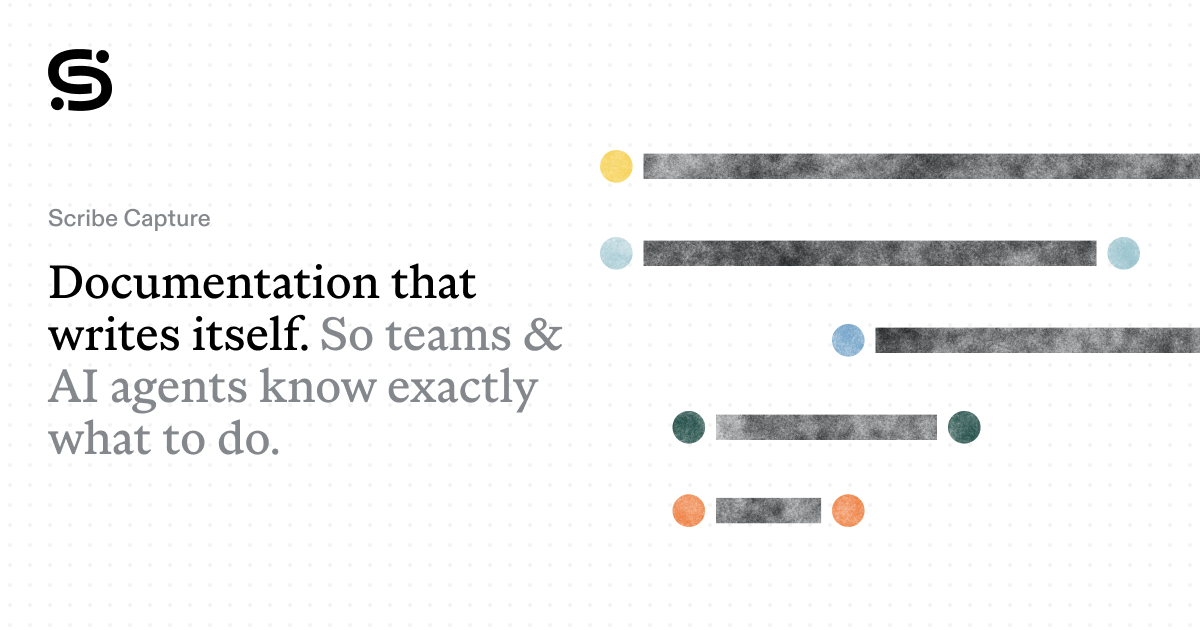
Scribe Capture official product preview

Scribe Capture (opens a new tab)

Capture a process as screenshots and step-by-step instructions, with AI help to describe the actions.

Details

Meetings & knowledge · Some setup

Best for

Businesses documenting repeatable admin tasks for staff or customers.

Your first experiment

Record a short task using a test account, then ask a colleague to follow the guide and flag missing steps.

Before you commit

Screenshots can expose personal data, passwords or internal details. Redact the guide and review sharing permissions before distributing it.

Official source Image source Checked 12 Oct 2026 · Research-based, not a hands-on rating.
Microsoft Power Automate workflow designer with a Copilot panel

Microsoft Power Automate (opens a new tab)

Build cloud and desktop workflows, with Copilot assistance for describing and developing automations.

Details

Automation · Some setup

Best for

Businesses already using Microsoft services and handling repetitive digital admin.

Your first experiment

Describe a workflow that logs a test form response in a table, then run it with sample data and check duplicate handling.

Before you commit

Premium connectors and unattended desktop runs may need extra licensing. Limit permissions and test errors, retries and approval steps.

Official source Image source Checked 12 Oct 2026 · Research-based, not a hands-on rating.
Gumloop logo on its official pink product preview

Gumloop (opens a new tab)

Build AI agents and workflows that use connected business tools to process information and perform tasks.

Details

Automation · Some setup

Best for

Teams combining document handling, research and structured data across several tools.

Your first experiment

Build a workflow that turns three public supplier pages into a comparison brief, then check each extracted fact.

Before you commit

Connected agents can act with the permissions you grant. Limit access, monitor usage and require approval for messages or record changes.

Official source Image source Checked 12 Oct 2026 · Research-based, not a hands-on rating.
Shopify Sidekick official product preview with its assistant mascot

Shopify Sidekick (opens a new tab)

Get AI help with store data, content and administrative tasks inside Shopify.

Details

Sales & support · Start yourself

Best for

Shopify merchants who want help understanding and managing their own store.

Your first experiment

Ask which products changed most in sales over a chosen period, then compare the answer with the underlying analytics report.

Before you commit

This is an assistant for merchants, not a customer support bot. Check permissions and review proposed store changes before approving them.

Official source Image source Checked 12 Oct 2026 · Research-based, not a hands-on rating.
Jotform support request agent template with chat and call options

Jotform AI Agents (opens a new tab)

Create conversational assistants that answer questions and collect information through chat or voice.

Details

Sales & support · Some setup

Best for

Businesses turning an enquiry form or support questionnaire into a guided conversation.

Your first experiment

Build a test enquiry agent with five required fields and check that it hands an unanswered question to a person.

Before you commit

Collect only necessary data and review consent for voice interactions. Test knowledge limits, handoffs and your plan’s conversation allowances.

Official source Image source Checked 12 Oct 2026 · Research-based, not a hands-on rating.
Google Antigravity logo from its official product page

Google Antigravity (opens a new tab)

Google’s development platform for agents that plan, edit and test software across coding tools.

Details

Coding & websites · Expert setup

Best for

Businesses with a developer exploring agent-assisted implementation work.

Your first experiment

Ask an agent to build one small feature in a disposable test project, then inspect the code changes and test evidence.

Before you commit

Restrict terminal and browser permissions; keep secrets and production systems out of trials. Enterprise configurations require Antigravity 2.0 or CLI rather than Antigravity IDE.

Official source Image source Checked 12 Oct 2026 · Research-based, not a hands-on rating.
Wispr Flow official preview demonstrating voice dictation

Wispr Flow (opens a new tab)

Turn speech into edited text for everyday apps, and capture meeting notes with Wispr Notetaker.

Details

Productivity & planning · Start yourself

Best for

Owners who find it easier to dictate a first draft than type it.

Your first experiment

Dictate an anonymised customer reply, then compare the text with what you meant and correct names, numbers and commitments.

Before you commit

Review microphone permissions and audio-data handling, and get participant consent for meeting notes. Automatic cleanup can alter names, numbers and specialist terms.

Official source Image source Checked 12 Oct 2026 · Research-based, not a hands-on rating.
Superhuman brand artwork from the official Mail product page

Superhuman Mail (opens a new tab)

Use AI to organise an inbox, draft replies and work through email in a dedicated mail workspace.

Details

Productivity & planning · Some setup

Best for

Owners and teams spending substantial time handling business email.

Your first experiment

Draft a reply to a non-sensitive email and check every promised action, date and attachment before sending.

Before you commit

Review mailbox access, supported email providers and automation controls. AI drafts can invent commitments or miss important context.

Official source Image source Checked 12 Oct 2026 · Research-based, not a hands-on rating.

A good tool is a start.
A connected workflow is better.

Already have a few apps? See where they could save you copying, chasing and repeat work.

Map my tools
About this directory

We select tools using official product information, not paid rankings or hands-on ratings. Check current features and plans before buying.

Sources checked 12 Oct 2026. We review the directory weekly.

Your shortlist stays in this browser. Product images belong to their respective providers.