All AI tools

AI tools for video and audio

Compare video editors, voice tools and audio assistants for business content. Find a useful starting point for explainers, product demonstrations or accessible recordings.

All toolsWriting & researchMarketing & designVideo & audioMeetings & knowledgeAutomationSales & supportCoding & websitesProductivity & planningData & spreadsheetsSearch & learning
36 tools
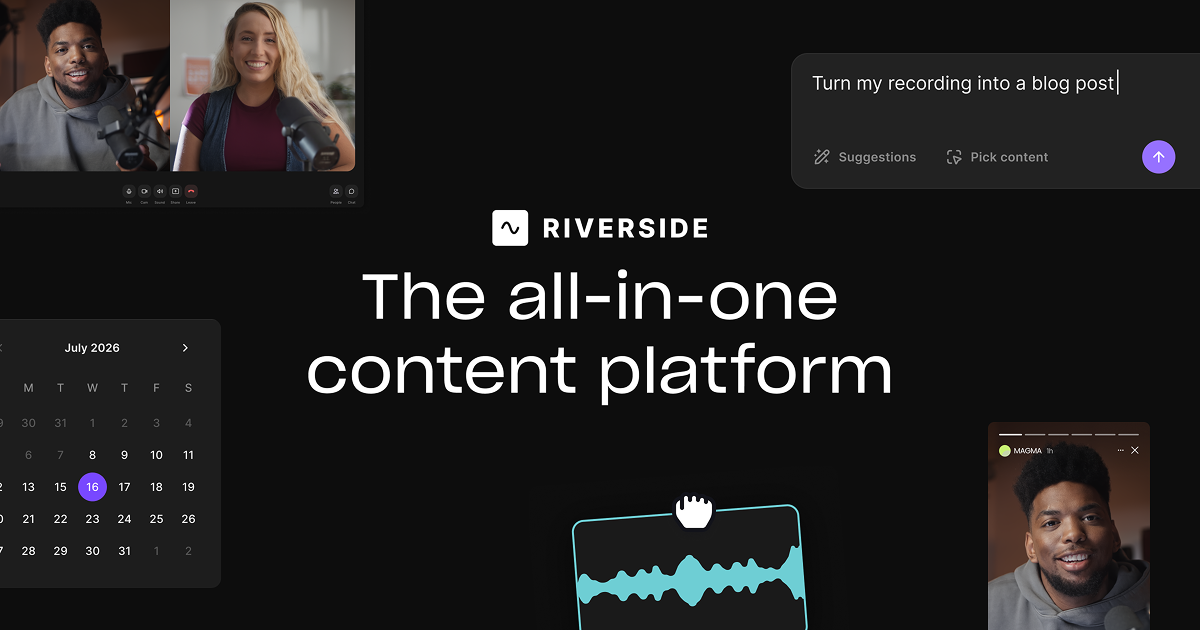
Riverside official preview of its recording and editing tools

Riverside (opens a new tab)

Record remote conversations, edit recordings through their transcripts and use AI to prepare clips and clean up audio.

Details

Video & audio · Start yourself

Best for

Teams turning interviews, webinars and podcasts into reusable content.

Your first experiment

Record a short interview with permission, remove one digression using the transcript and review a suggested short clip.

Before you commit

Get recording consent and check captions and edits for lost context. Confirm recording, AI and export allowances before committing to a workflow.

Official source Image source Checked 12 Oct 2026 · Research-based, not a hands-on rating.
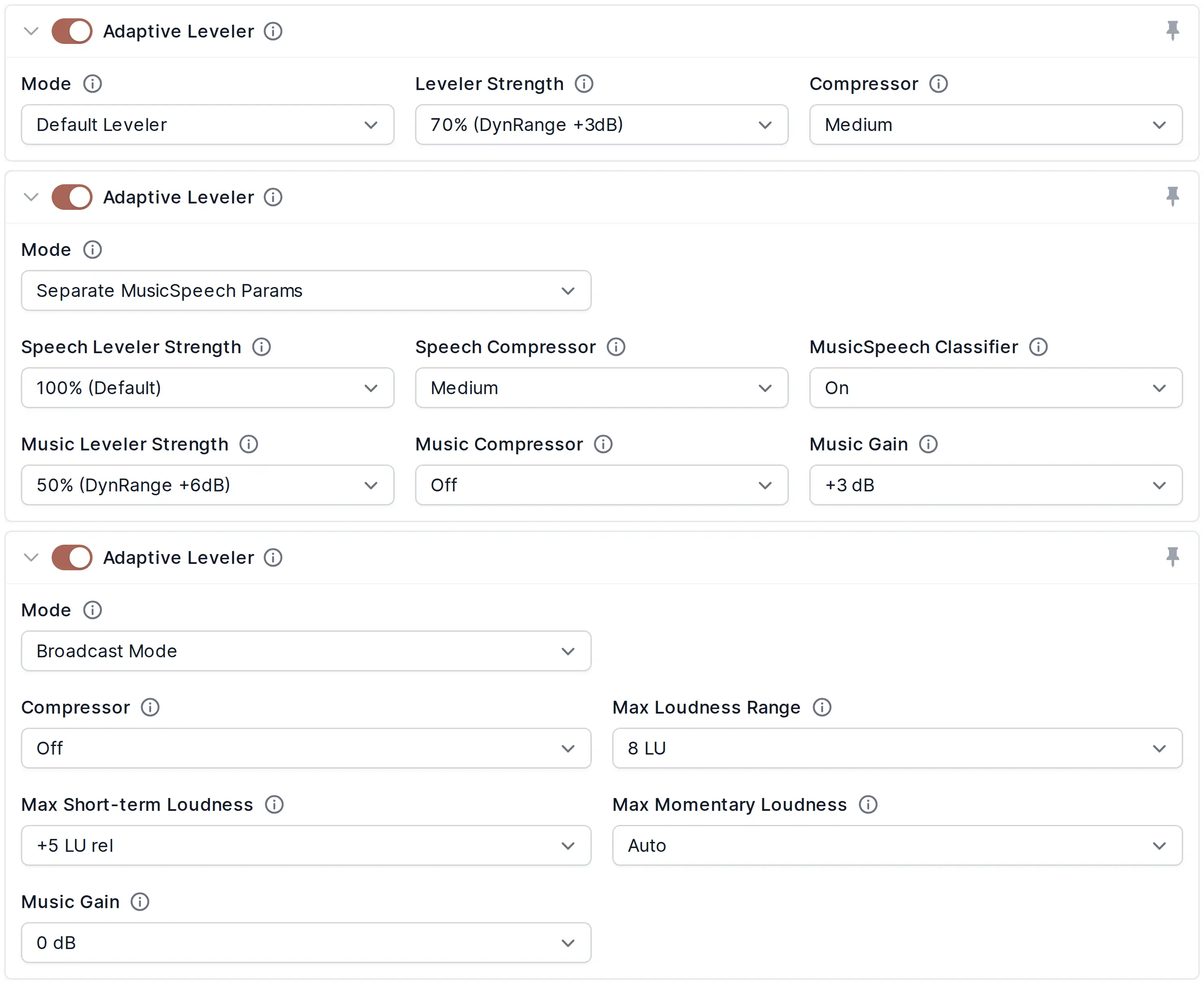
Auphonic adaptive leveler settings showing audio processing modes

Auphonic (opens a new tab)

Automatically balance speech levels, reduce unwanted noise and prepare audio to a chosen loudness target.

Details

Video & audio · Start yourself

Best for

Owners publishing spoken podcasts, interviews and training recordings.

Your first experiment

Process a short, consented two-speaker recording, then compare quiet and loud passages with headphones.

Before you commit

Aggressive cleanup can damage voices or remove wanted sounds. Keep originals and check processing-hour allowances and transcription availability.

Official source Image source Checked 12 Oct 2026 · Research-based, not a hands-on rating.
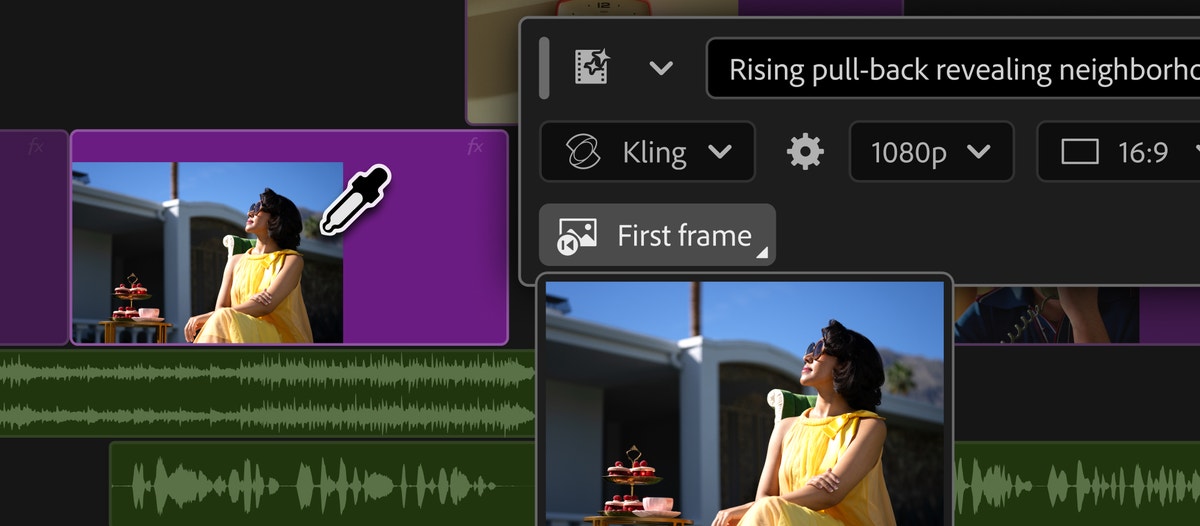
Adobe Premiere timeline and generative media controls shown in Adobe's official announcement

Adobe Premiere (Premiere Pro) (opens a new tab)

Video editing with AI tools for transcript-based cuts, captions, finding footage and generating or extending media.

Details

Video & audio · Some setup

Best for

Businesses with an editor producing product demos, interviews and marketing videos.

Your first experiment

Use transcript editing on a copy of a one-minute product demo, then review every cut and caption against the original.

Before you commit

Generated footage or audio can change what actually happened. Check usage rights, feature credits and computer requirements before choosing a workflow.

Official source Image source Checked 12 Oct 2026 · Research-based, not a hands-on rating.
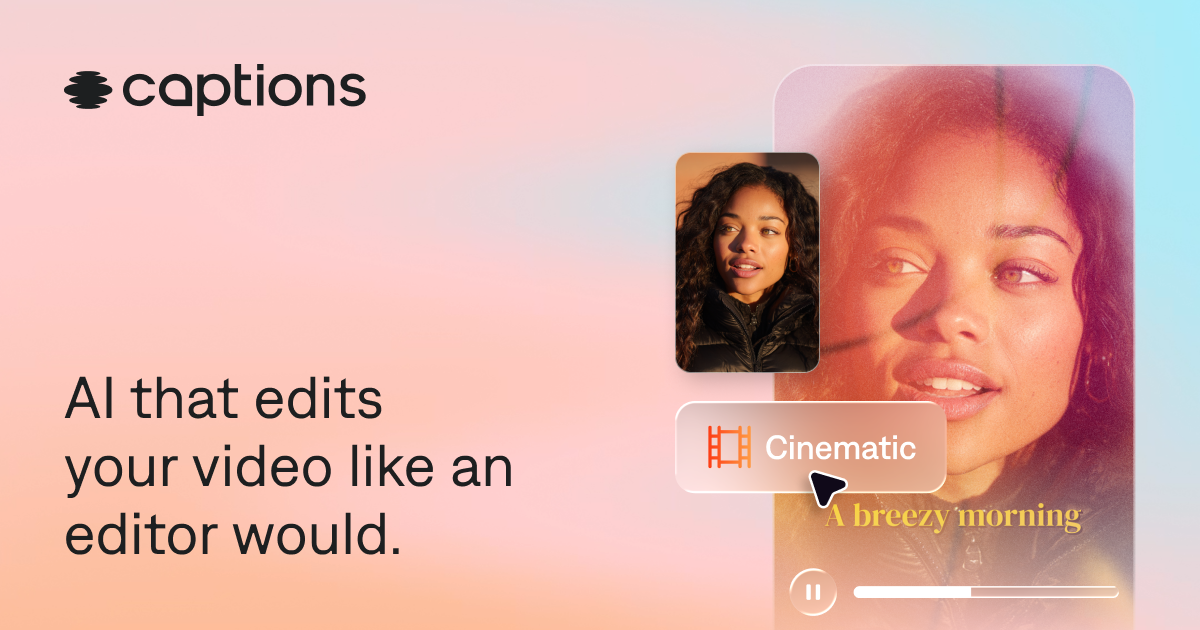
Captions video editor artwork with a captioned presenter example

Captions (opens a new tab)

AI-assisted video editing with automatic cuts, captions, translated subtitles and tools for talking-head footage.

Details

Video & audio · Start yourself

Best for

Owners and small marketing teams making short presenter-led videos.

Your first experiment

Edit a short clip you recorded, then compare the subtitles and cuts with the original before exporting.

Before you commit

Check names, timing and translated meaning. Obtain permission for people's likenesses and never turn synthetic footage into a supposed customer testimonial.

Official source Image source Checked 12 Oct 2026 · Research-based, not a hands-on rating.
Choosing a tool

Use a short test with your intended language, aspect ratio and captions. Check editing control, export limits and usage rights. Obtain permission before cloning a real person’s voice or likeness.

A good tool is a start.
A connected workflow is better.

Already have a few apps? See where they could save you copying, chasing and repeat work.

Map my tools
About this directory

We select tools using official product information, not paid rankings or hands-on ratings. Check current features and plans before buying.

Sources checked 12 Oct 2026. We review the directory weekly.

Your shortlist stays in this browser. Product images belong to their respective providers.