All AI tools

AI tools for video and audio

Compare video editors, voice tools and audio assistants for business content. Find a useful starting point for explainers, product demonstrations or accessible recordings.

All toolsWriting & researchMarketing & designVideo & audioMeetings & knowledgeAutomationSales & supportCoding & websitesProductivity & planningData & spreadsheetsSearch & learning
36 tools
Pika — official product artwork

Pika (opens a new tab)

Create and edit video, images and audio using focused creative tools and a choice of AI models.

Details

Video & audio · Start yourself

Best for

Social creators experimenting with playful motion and visual effects.

Your first experiment

Animate one approved image into a short attention-grabbing opener for your own video.

Before you commit

Keep product claims truthful and inspect faces, hands and text before publishing.

Official source Image source Checked 12 Oct 2026 · Research-based, not a hands-on rating.

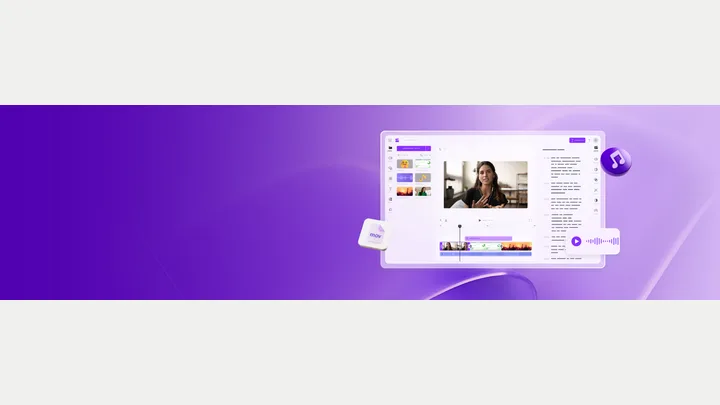
Filmora — official product artwork

Filmora (opens a new tab)

A timeline video editor with AI-assisted editing, captions, audio and visual tools.

Details

Video & audio · Start yourself

Best for

Teams that want more editing control than a template-only video app.

Your first experiment

Edit a real product walkthrough, add corrected captions and cut a short version for social media.

Before you commit

AI suggestions still need editing. Check export restrictions and the licences of included assets.

Official source Image source Checked 12 Oct 2026 · Research-based, not a hands-on rating.
InVideo — official product artwork

InVideo (opens a new tab)

An AI video creation and editing workspace that turns prompts into editable video projects.

Details

Video & audio · Start yourself

Best for

Marketers moving from a written idea to a first video draft.

Your first experiment

Provide a short approved script and ask for a draft explainer with a clear beginning, demonstration and CTA.

Before you commit

Review every scene, voiceover and stock asset before making factual or commercial claims.

Official source Image source Checked 12 Oct 2026 · Research-based, not a hands-on rating.
Kapwing — official product artwork

Kapwing (opens a new tab)

A collaborative video editor with AI-assisted generation, subtitles and repurposing.

Details

Video & audio · Start yourself

Best for

Small teams producing captioned content for several channels.

Your first experiment

Take an existing tutorial and make a short captioned excerpt that still explains one complete idea.

Before you commit

Correct automatic subtitles and confirm export quality and asset rights.

Official source Image source Checked 12 Oct 2026 · Research-based, not a hands-on rating.
Clipchamp — official product artwork

Clipchamp (opens a new tab)

Microsoft's video editor with templates and AI-assisted tools such as captions and voiceover.

Details

Video & audio · Start yourself

Best for

Owners creating straightforward explainers and internal videos.

Your first experiment

Combine your own screenshots into a short how-to video and review the generated captions.

Before you commit

Check pronunciation, stock-media permissions and the features available on your plan.

Official source Image source Checked 12 Oct 2026 · Research-based, not a hands-on rating.
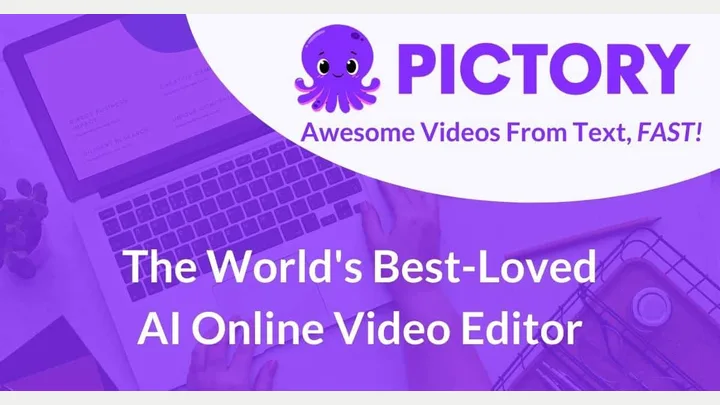
Pictory — official product artwork

Pictory (opens a new tab)

Turn scripts and longer content into video drafts with AI-assisted editing.

Details

Video & audio · Start yourself

Best for

Teams repurposing useful written material into short explainers.

Your first experiment

Use an approved FAQ answer as a script and replace any generic visuals with your own examples.

Before you commit

Stock footage must match the message; do not imply it shows your clients or premises.

Official source Image source Checked 12 Oct 2026 · Research-based, not a hands-on rating.
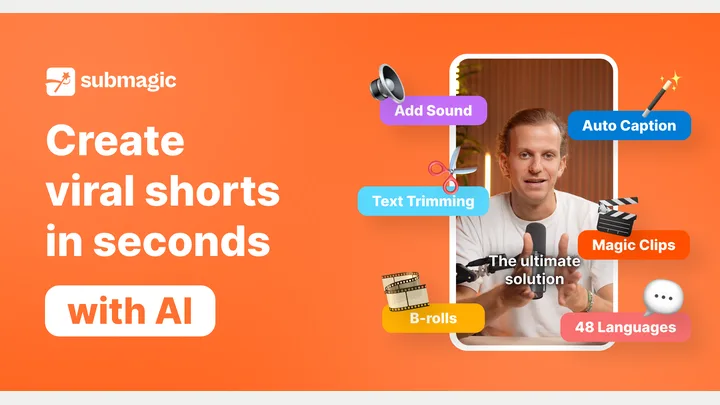
Submagic — official product artwork

Submagic (opens a new tab)

AI-assisted short-video editing with captions, supporting footage and pacing tools.

Details

Video & audio · Start yourself

Best for

Businesses making regular talking-head clips for social media.

Your first experiment

Turn a useful 45-second tip into a captioned vertical video and remove unnecessary pauses.

Before you commit

Check caption timing and supporting footage; avoid effects that distract from the explanation.

Official source Image source Checked 12 Oct 2026 · Research-based, not a hands-on rating.
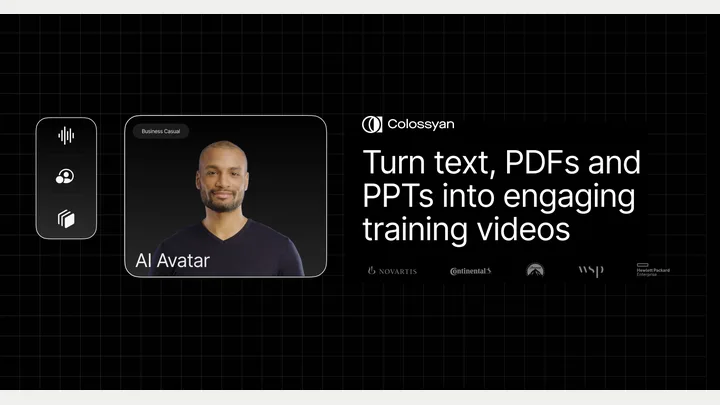
Colossyan — official product artwork

Colossyan (opens a new tab)

Create presenter-led AI videos from scripts for training and business communication.

Details

Video & audio · Start yourself

Best for

Teams updating onboarding or internal learning material frequently.

Your first experiment

Convert one approved onboarding checklist into a short presenter-led lesson.

Before you commit

Disclose synthetic presenters where appropriate and check pronunciation and policy details.

Official source Image source Checked 12 Oct 2026 · Research-based, not a hands-on rating.
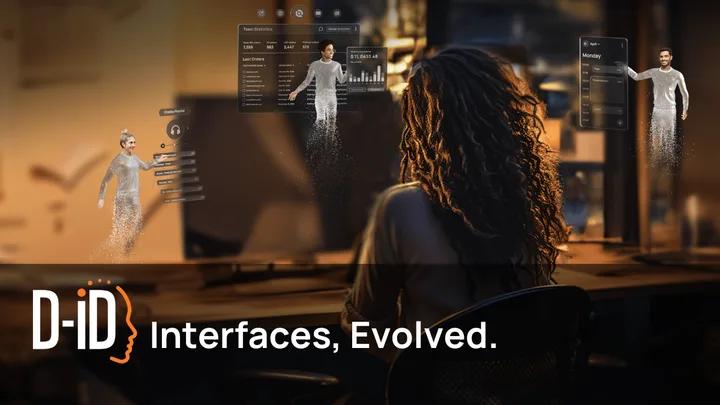
D-ID — official product artwork

D-ID (opens a new tab)

AI avatar and conversational video technology for digital presenters and interactions.

Details

Video & audio · Some setup

Best for

Teams exploring narrated explainers or interactive digital representatives.

Your first experiment

Create a short introduction from an approved script and a properly licensed presenter image.

Before you commit

Get consent for a real person's likeness or voice and make synthetic presentation clear.

Official source Image source Checked 12 Oct 2026 · Research-based, not a hands-on rating.
Speechify — official product artwork

Speechify (opens a new tab)

Text-to-speech tools for listening to documents, webpages and other written material.

Details

Video & audio · Start yourself

Best for

Busy owners reviewing reading material away from a screen.

Your first experiment

Listen to your own sales page to catch awkward sentences and unclear explanations.

Before you commit

Check pronunciation and distinguish personal listening from commercial voiceover licensing.

Official source Image source Checked 12 Oct 2026 · Research-based, not a hands-on rating.
Udio — official product artwork

Udio (opens a new tab)

An AI music creation platform for exploring songs and musical ideas.

Details

Video & audio · Start yourself

Best for

Creators experimenting with musical direction and songwriting.

Your first experiment

Describe a mood and arrangement, then use the result to discuss a musical direction.

Before you commit

Udio currently says audio, video and stem downloads are disabled. Use it for exploring music ideas; verify export availability and rights before planning commercial production.

Official source Image source Checked 12 Oct 2026 · Research-based, not a hands-on rating.
Resemble AI — official product artwork

Resemble AI (opens a new tab)

AI deepfake detection and watermarking tools for checking synthetic audio, video and images.

Details

Video & audio · Some setup

Best for

Teams evaluating media authenticity and impersonation risks.

Your first experiment

Compare a known authentic sample and an authorised synthetic sample in a controlled evaluation.

Before you commit

Detection results need human interpretation. Do not treat a score as proof that someone committed fraud.

Official source Image source Checked 12 Oct 2026 · Research-based, not a hands-on rating.
WellSaid — official product artwork

WellSaid (opens a new tab)

A text-to-speech workspace for producing and collaborating on professional voiceovers.

Details

Video & audio · Start yourself

Best for

Teams creating repeatable narration for training and explainers.

Your first experiment

Narrate an approved one-minute tutorial, then adjust pronunciation and pacing before export.

Before you commit

Check voice and project licensing, and have a listener review names, numbers and emphasis.

Official source Image source Checked 12 Oct 2026 · Research-based, not a hands-on rating.
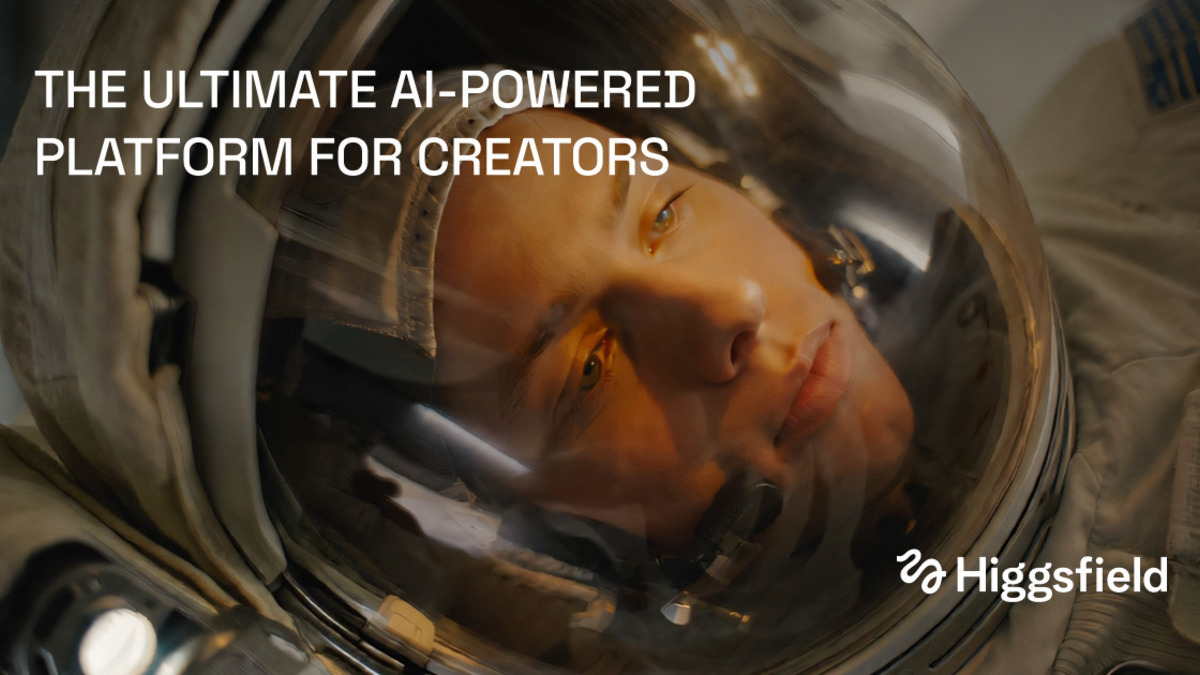
Higgsfield official preview showing a cinematic helmet illustration

Higgsfield (opens a new tab)

Generate and edit video, images and voice using prompts, visual references and a choice of AI models.

Details

Video & audio · Start yourself

Best for

Owners exploring short promotional videos and visual concepts.

Your first experiment

Use an image you own to create a short motion concept, then check product details and text frame by frame.

Before you commit

Models differ in controls, rights and credit costs. Generated people, branding and product details need careful review before publication.

Official source Image source Checked 12 Oct 2026 · Research-based, not a hands-on rating.
LTX Studio official preview with a collage of cinematic scenes

LTX Studio (opens a new tab)

Plan scripts and storyboards, then generate and refine scenes in a shared AI filmmaking workspace.

Details

Video & audio · Some setup

Best for

Teams developing a video idea that needs several connected shots.

Your first experiment

Turn a short service explanation into a three-scene storyboard and revise the shot order before generating clips.

Before you commit

Characters, objects and motion can drift between scenes. Check model terms, credits and the final sequence before using it commercially.

Official source Image source Checked 12 Oct 2026 · Research-based, not a hands-on rating.
Google Flow official filmmaking product preview

Google Flow (opens a new tab)

Create AI video scenes with prompts and visual references in Google’s filmmaking workspace.

Details

Video & audio · Start yourself

Best for

Owners testing short visual stories or campaign concepts.

Your first experiment

Use a reference image you own to generate one short scene, then try a revised camera instruction and compare the results.

Before you commit

Access depends on age, region and an eligible plan. Check credits and scrutinise continuity, text and product accuracy in every clip.

Official source Image source Checked 12 Oct 2026 · Research-based, not a hands-on rating.
Choosing a tool

Use a short test with your intended language, aspect ratio and captions. Check editing control, export limits and usage rights. Obtain permission before cloning a real person’s voice or likeness.

A good tool is a start.
A connected workflow is better.

Already have a few apps? See where they could save you copying, chasing and repeat work.

Map my tools
About this directory

We select tools using official product information, not paid rankings or hands-on ratings. Check current features and plans before buying.

Sources checked 12 Oct 2026. We review the directory weekly.

Your shortlist stays in this browser. Product images belong to their respective providers.