All AI tools

AI tools for marketing and design

Explore tools for campaign copy, branded visuals and everyday design. Choose around the work your team actually publishes, rather than a striking demo.

All toolsWriting & researchMarketing & designVideo & audioMeetings & knowledgeAutomationSales & supportCoding & websitesProductivity & planningData & spreadsheetsSearch & learning
36 tools
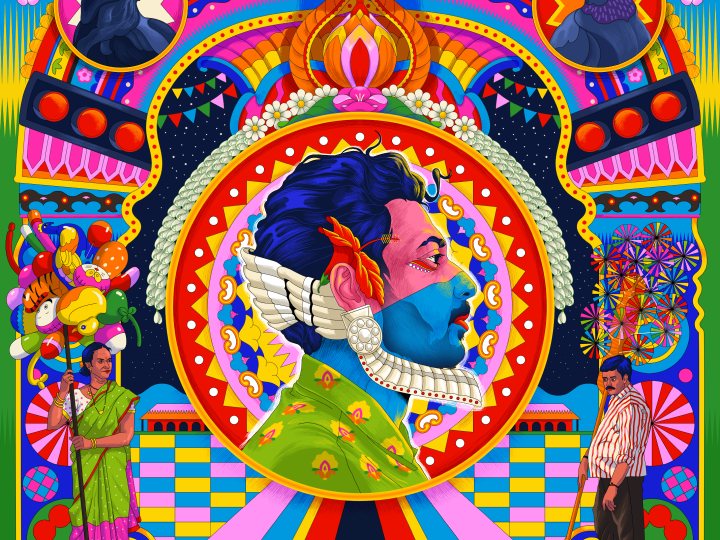
Colourful portrait collage from Adobe Photoshop’s official product page

Adobe Photoshop (opens a new tab)

Combine layered photo editing with AI tools for selecting, removing and generating parts of an image.

Details

Marketing & design · Some setup

Best for

Businesses that need precise control over product photos and campaign artwork.

Your first experiment

Use a copy of a product photo to remove a distracting background object, then inspect the product edges at full size.

Before you commit

Generated edits can misrepresent products or introduce defects. Check the selected model’s usage terms and credit requirements.

Official source Image source Checked 12 Oct 2026 · Research-based, not a hands-on rating.
Topaz Photo official product artwork

Topaz Photo (opens a new tab)

Use AI to reduce noise, sharpen detail and enlarge existing photos in a desktop photo editor.

Details

Marketing & design · Some setup

Best for

Teams improving their own product, premises or event photography.

Your first experiment

Work on a copy of one noisy product photo. Compare the enhanced version with the original at full size before using it.

Before you commit

Check computer requirements and any cloud-processing allowances. Reconstructed detail can misrepresent a product, so keep the original and inspect edges and labels.

Official source Image source Checked 12 Oct 2026 · Research-based, not a hands-on rating.
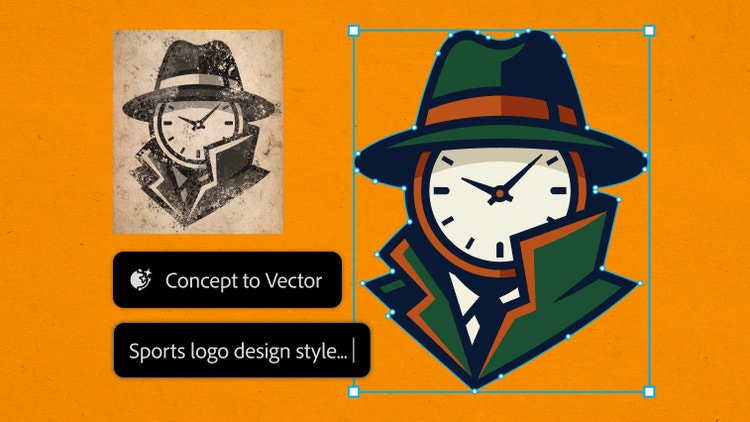
Adobe Illustrator example showing a concept developed into vector artwork

Adobe Illustrator (opens a new tab)

Create editable vector artwork with AI tools for generating graphics, filling shapes and expanding designs.

Details

Marketing & design · Some setup

Best for

Designers making scalable icons, illustrations and branded graphics.

Your first experiment

Turn an original sketch into a vector icon, then inspect the paths and test its readability at a small size.

Before you commit

Generated vectors still need design review and cleanup. Check generative-credit allowances and the rights to source artwork and fonts.

Official source Image source Checked 12 Oct 2026 · Research-based, not a hands-on rating.
Hootsuite owl artwork from the official Wisdom product page

Hootsuite Wisdom (OwlyGPT) (opens a new tab)

Hootsuite's social media assistant, formerly OwlyGPT, helps draft posts and explore trends and account performance.

Details

Marketing & design · Some setup

Best for

Teams already managing social channels in Hootsuite.

Your first experiment

Give it an approved offer and audience brief, then compare two post drafts against your brand voice before scheduling.

Before you commit

Check which features your plan includes and what connected accounts it can access. Trend suggestions are not evidence of customer demand.

Official source Image source Checked 12 Oct 2026 · Research-based, not a hands-on rating.
Choosing a tool

Test a real format such as a product image or social post. Check brand consistency, export quality and commercial-use terms. Include the time spent correcting the result.

A good tool is a start.
A connected workflow is better.

Already have a few apps? See where they could save you copying, chasing and repeat work.

Map my tools
About this directory

We select tools using official product information, not paid rankings or hands-on ratings. Check current features and plans before buying.

Sources checked 12 Oct 2026. We review the directory weekly.

Your shortlist stays in this browser. Product images belong to their respective providers.