All AI tools

AI tools for marketing and design

Explore tools for campaign copy, branded visuals and everyday design. Choose around the work your team actually publishes, rather than a striking demo.

All toolsWriting & researchMarketing & designVideo & audioMeetings & knowledgeAutomationSales & supportCoding & websitesProductivity & planningData & spreadsheetsSearch & learning
36 tools
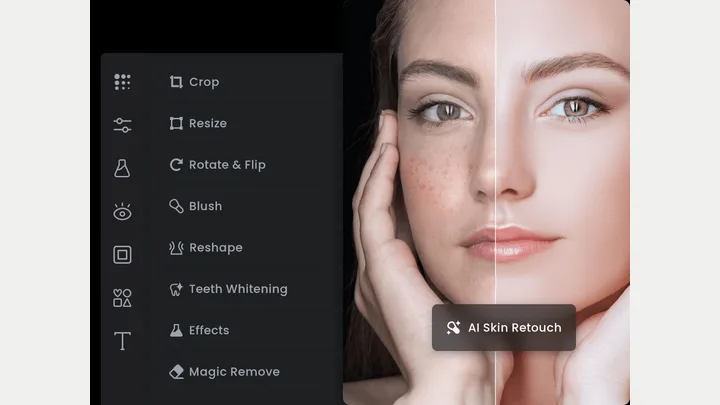
Fotor — official product artwork

Fotor (opens a new tab)

A browser-based photo editor with AI enhancement, retouching and image creation tools.

Details

Marketing & design · Start yourself

Best for

Owners making quick visual edits without a full design suite.

Your first experiment

Clean up the lighting and crop of a real team photo for a website banner.

Before you commit

Keep retouching realistic and check export resolution, watermarks and plan limits.

Official source Image source Checked 12 Oct 2026 · Research-based, not a hands-on rating.
Pixlr — official product artwork

Pixlr (opens a new tab)

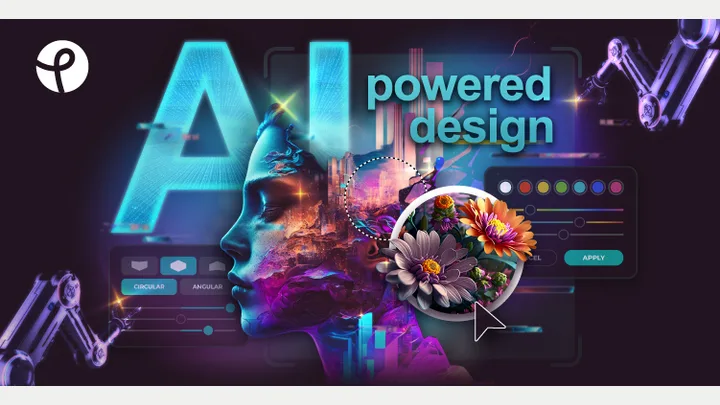
An online photo editor combining conventional editing with AI image tools.

Details

Marketing & design · Start yourself

Best for

Teams needing quick image cleanup and social graphics in the browser.

Your first experiment

Remove a distracting background, resize the image and add a clear promotional headline.

Before you commit

Check generated details and export quality; retain an untouched copy of the original.

Official source Image source Checked 12 Oct 2026 · Research-based, not a hands-on rating.
Clipdrop — official product artwork

Clipdrop (opens a new tab)

A collection of AI image utilities for background removal, cleanup and upscaling.

Details

Marketing & design · Start yourself

Best for

Owners fixing individual image problems rather than learning a large design app.

Your first experiment

Remove a distracting object from a photo you own, then inspect the edited area closely.

Before you commit

Upscaling and cleanup can invent detail. Avoid altering evidence or a product's actual condition.

Official source Image source Checked 12 Oct 2026 · Research-based, not a hands-on rating.
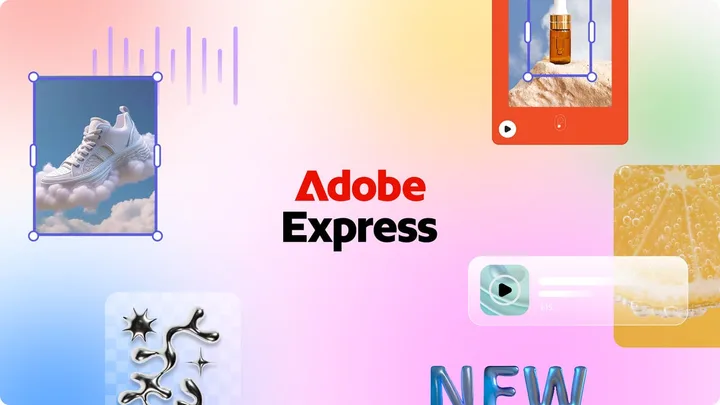
Adobe Express — official product artwork

Adobe Express (opens a new tab)

A design and video app with templates and AI-assisted creation for everyday marketing.

Details

Marketing & design · Start yourself

Best for

Small teams making branded posts, flyers and short videos.

Your first experiment

Create a promotional post from your logo, brand colours and approved offer, then resize it for another channel.

Before you commit

Check asset licences and AI-generated details, especially small print and prices.

Official source Image source Checked 12 Oct 2026 · Research-based, not a hands-on rating.
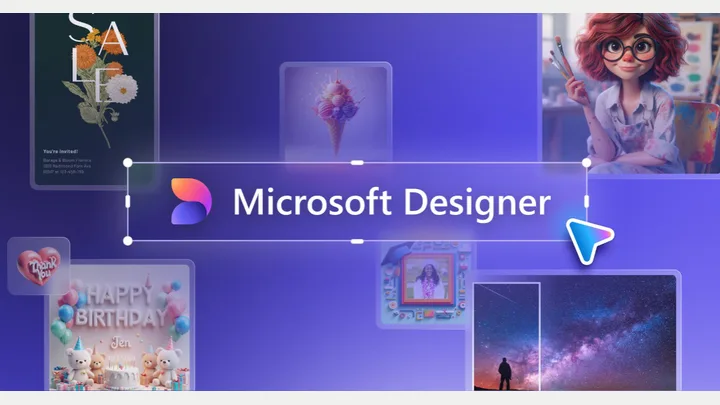
Microsoft Designer — official product artwork

Microsoft Designer (opens a new tab)

An AI design and image-editing app for personal projects, including invitations and other visual content.

Details

Marketing & design · Start yourself

Best for

Owners exploring visual ideas for personal projects before choosing a tool licensed for business use.

Your first experiment

Create a sample invitation for a personal event, then correct the text and check the exported dimensions.

Before you commit

Microsoft says Designer is licensed for personal, non-commercial use with a Microsoft account. Do not assume its outputs are cleared for business marketing.

Official source Image source Checked 12 Oct 2026 · Research-based, not a hands-on rating.

Looka — official product artwork

Looka (opens a new tab)

An AI-assisted logo maker and brand identity toolkit.

Details

Marketing & design · Start yourself

Best for

New businesses exploring identity directions before committing to a brand.

Your first experiment

Explore logo options, then test your shortlist in monochrome and at a small size.

Before you commit

A generated logo is not a trademark clearance. Check originality and file rights before adoption.

Official source Image source Checked 12 Oct 2026 · Research-based, not a hands-on rating.
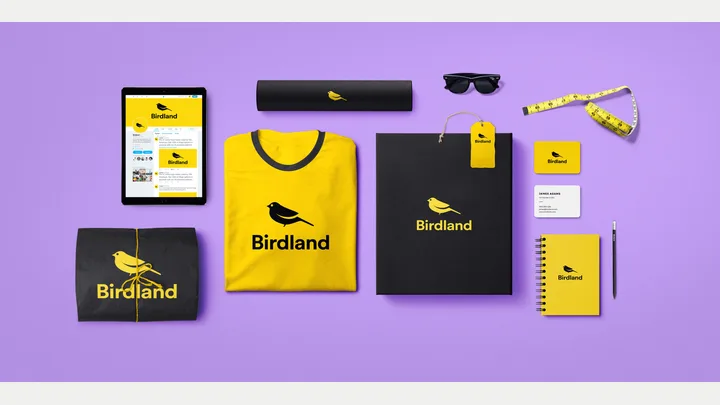
Brandmark — official product artwork

Brandmark (opens a new tab)

A logo and brand-asset generator for exploring a business identity.

Details

Marketing & design · Start yourself

Best for

Founders who need visual options to discuss with a designer.

Your first experiment

Generate several directions using your real business name and compare readability on a phone.

Before you commit

Check trademark conflicts and make sure the final package includes the formats you need.

Official source Image source Checked 12 Oct 2026 · Research-based, not a hands-on rating.
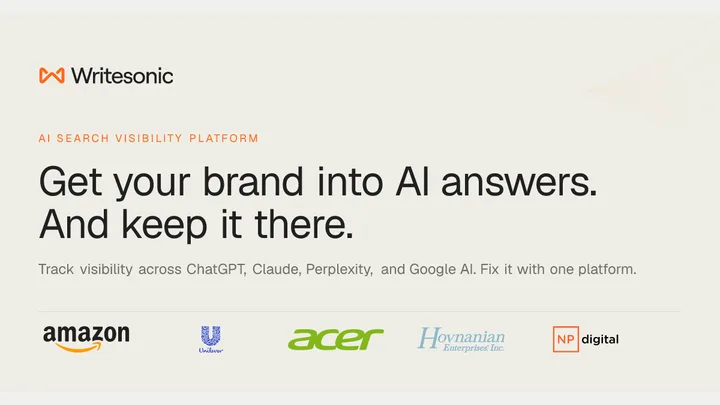
Writesonic — official product artwork

Writesonic (opens a new tab)

An AI search visibility and content platform for researching and improving brand discovery.

Details

Marketing & design · Some setup

Best for

Marketing teams managing content and visibility across search experiences.

Your first experiment

Check one important topic, then review a suggested content improvement against your real expertise.

Before you commit

Visibility scores are tool-specific signals, not guaranteed rankings or sales.

Official source Image source Checked 12 Oct 2026 · Research-based, not a hands-on rating.
Anyword — official product artwork

Anyword (opens a new tab)

AI-assisted marketing copy with performance-oriented feedback and brand guidance.

Details

Marketing & design · Some setup

Best for

Teams comparing messaging alternatives for campaigns.

Your first experiment

Draft two headline approaches from the same approved offer and test them with real visitors.

Before you commit

Predicted performance is not a result. Keep claims accurate and validate with your own campaign data.

Official source Image source Checked 12 Oct 2026 · Research-based, not a hands-on rating.
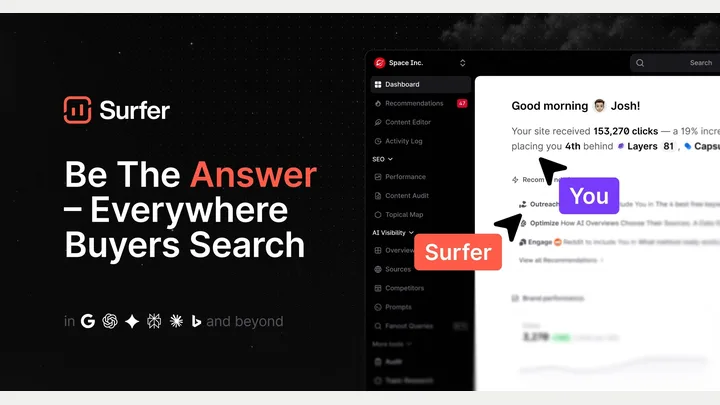
Surfer — official product artwork

Surfer (opens a new tab)

Content optimisation and visibility tools for conventional and AI search.

Details

Marketing & design · Some setup

Best for

Teams improving existing pages around a clear search intent.

Your first experiment

Review one useful article for unanswered questions and readability before adding suggested topics.

Before you commit

A content score is not a ranking guarantee; avoid adding irrelevant terms just to raise it.

Official source Image source Checked 12 Oct 2026 · Research-based, not a hands-on rating.
Scalenut — official product artwork

Scalenut (opens a new tab)

AI-assisted SEO research, content creation and search visibility tools.

Details

Marketing & design · Some setup

Best for

Small marketing teams organising topic research and page improvements.

Your first experiment

Use it to plan a useful service-related article, then remove sections that do not help the buyer.

Before you commit

Review factual accuracy and intent instead of treating optimisation scores as the objective.

Official source Image source Checked 12 Oct 2026 · Research-based, not a hands-on rating.
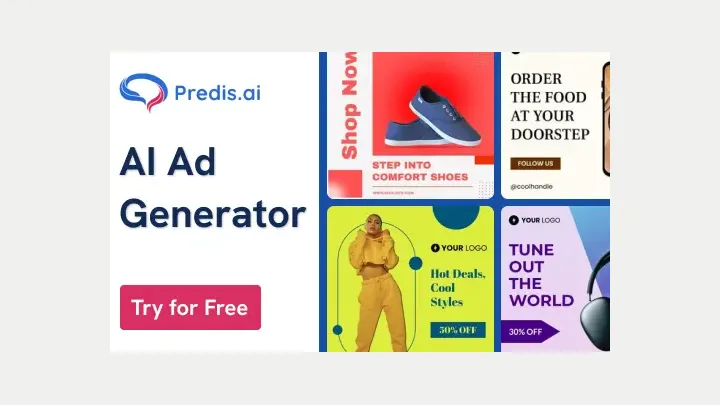
Predis.ai — official product artwork

Predis.ai (opens a new tab)

AI tools for generating social content and advertising creative from a brief.

Details

Marketing & design · Start yourself

Best for

Small teams needing several starting ideas for a campaign.

Your first experiment

Give it one real offer and ask for three distinct creative angles, then edit the strongest.

Before you commit

Verify claims and brand consistency; generated assets do not guarantee campaign performance.

Official source Image source Checked 12 Oct 2026 · Research-based, not a hands-on rating.
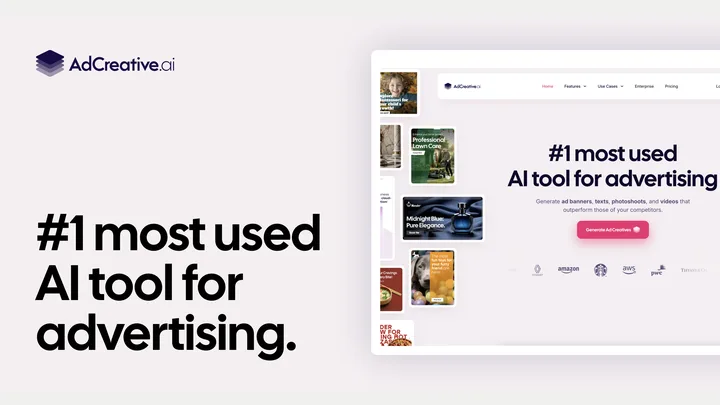
AdCreative.ai — official product artwork

AdCreative.ai (opens a new tab)

AI-assisted creation of advertising images, videos and copy variations.

Details

Marketing & design · Some setup

Best for

Teams testing several creative approaches around a proven offer.

Your first experiment

Create two clearly different visual approaches and test them with the same audience and budget.

Before you commit

Treat performance predictions as hypotheses. Review imagery and claims before launching ads.

Official source Image source Checked 12 Oct 2026 · Research-based, not a hands-on rating.
Creatify — official product artwork

Creatify (opens a new tab)

Generate and iterate image and video advertising creative with AI.

Details

Marketing & design · Start yourself

Best for

Marketers turning product information into editable ad concepts.

Your first experiment

Use an approved product brief to draft a short ad, then correct every product detail and claim.

Before you commit

Do not imply a synthetic presenter is a real customer or use invented testimonials.

Official source Image source Checked 12 Oct 2026 · Research-based, not a hands-on rating.
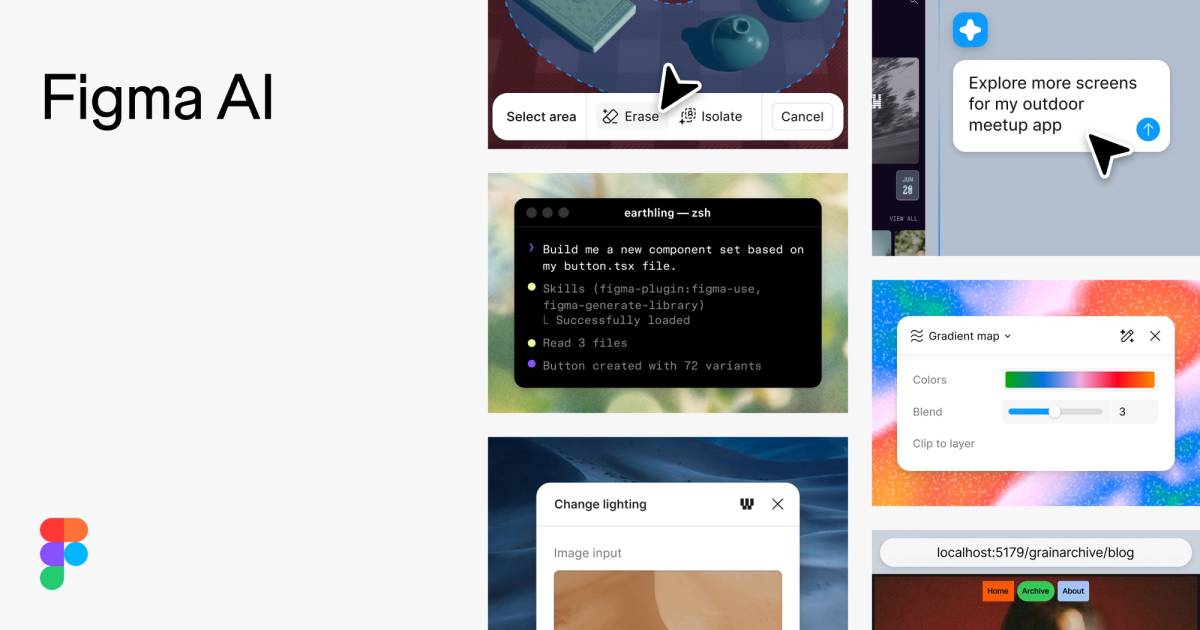
Figma AI preview with design and prototype examples

Figma AI (opens a new tab)

Use AI to explore design ideas, edit images and build interactive prototypes alongside collaborative design tools.

Details

Marketing & design · Some setup

Best for

Teams planning a website, app or customer experience before development.

Your first experiment

Describe one booking-screen idea, generate a prototype and ask a colleague to complete the booking flow without guidance.

Before you commit

A convincing prototype still needs accessibility and usability checks. Review seat access, AI credits and content-training settings.

Official source Image source Checked 12 Oct 2026 · Research-based, not a hands-on rating.
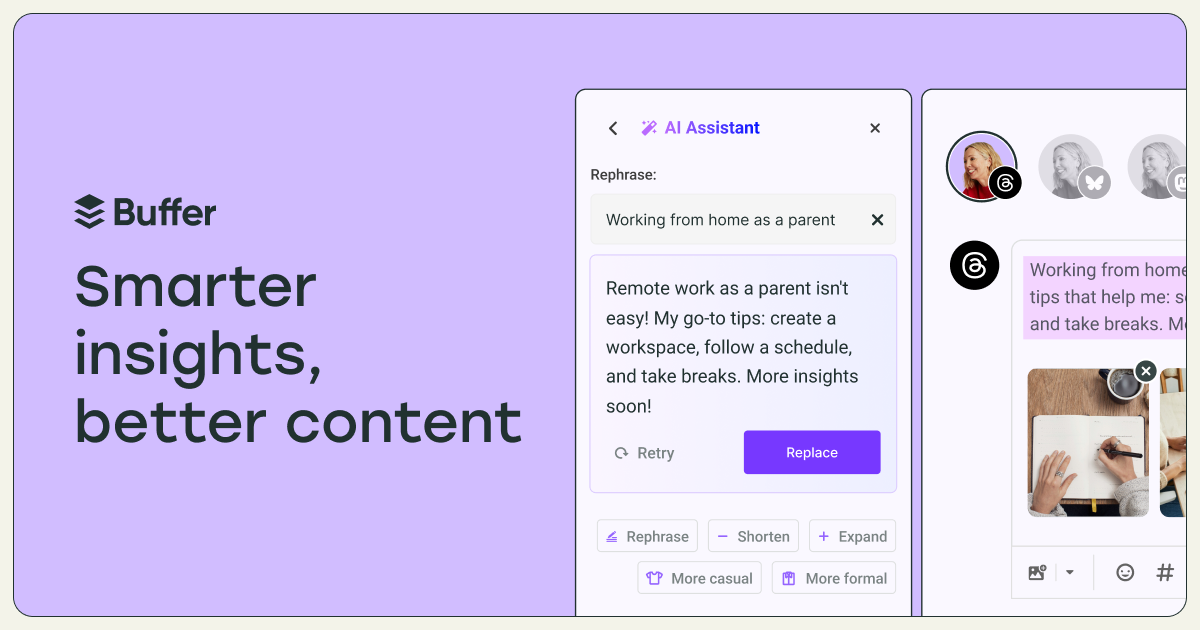
Buffer AI Assistant interface for drafting social posts

Buffer AI Assistant (opens a new tab)

Draft and rework social posts inside Buffer, adjusting wording for different channels.

Details

Marketing & design · Start yourself

Best for

Small teams turning one useful business update into several social posts.

Your first experiment

Paste a factual product update, draft versions for two channels and edit each to match your voice before scheduling.

Before you commit

Verify claims, links and platform limits. Repeated AI phrasing can make posts sound generic; keep a person responsible for final approval.

Official source Image source Checked 12 Oct 2026 · Research-based, not a hands-on rating.
Choosing a tool

Test a real format such as a product image or social post. Check brand consistency, export quality and commercial-use terms. Include the time spent correcting the result.

A good tool is a start.
A connected workflow is better.

Already have a few apps? See where they could save you copying, chasing and repeat work.

Map my tools
About this directory

We select tools using official product information, not paid rankings or hands-on ratings. Check current features and plans before buying.

Sources checked 12 Oct 2026. We review the directory weekly.

Your shortlist stays in this browser. Product images belong to their respective providers.