All AI tools

AI tools for meetings and team knowledge

Find tools that turn meetings and documents into information your team can use. Compare searchable notes, summaries and the handoff from discussion to action.

All toolsWriting & researchMarketing & designVideo & audioMeetings & knowledgeAutomationSales & supportCoding & websitesProductivity & planningData & spreadsheetsSearch & learning
24 tools
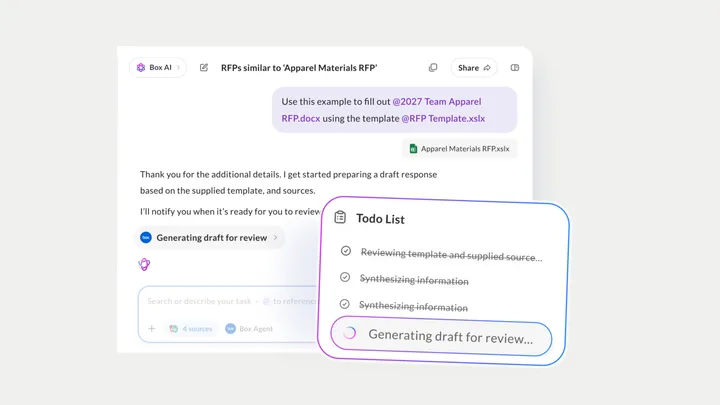
Box AI — official product artwork

Box AI (opens a new tab)

AI assistance for asking questions about and extracting value from content stored in Box.

Details

Meetings & knowledge · Some setup

Best for

Businesses already keeping documents in Box with established access controls.

Your first experiment

Ask questions about an approved policy document and check the referenced passages.

Before you commit

Document permissions and classification matter; verify extracted facts before operational use.

Official source Image source Checked 12 Oct 2026 · Research-based, not a hands-on rating.
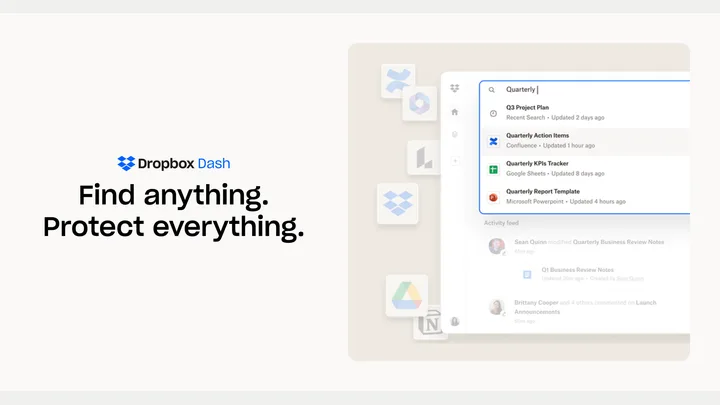

Dropbox Dash — official product artwork

Dropbox Dash (opens a new tab)

AI-powered search and organisation across connected workplace content.

Details

Meetings & knowledge · Some setup

Best for

Teams repeatedly searching several apps for the same information.

Your first experiment

Connect a limited set of approved sources and test searches for five real work questions.

Before you commit

Review connector permissions and whether results expose material to the intended people only.

Official source Image source Checked 12 Oct 2026 · Research-based, not a hands-on rating.
Miro logo on its official yellow product preview

Miro AI (opens a new tab)

Turn shared board content into diagrams, plans and repeatable workflows with AI assistance.

Details

Meetings & knowledge · Some setup

Best for

Teams organising workshops, mapping processes or turning visual notes into plans.

Your first experiment

Use anonymised workshop notes to draft a process diagram, then ask participants to correct missing steps.

Before you commit

AI can overlook exceptions or minority views. Check board access, source context and credit allowances before sharing the result.

Official source Image source Checked 12 Oct 2026 · Research-based, not a hands-on rating.
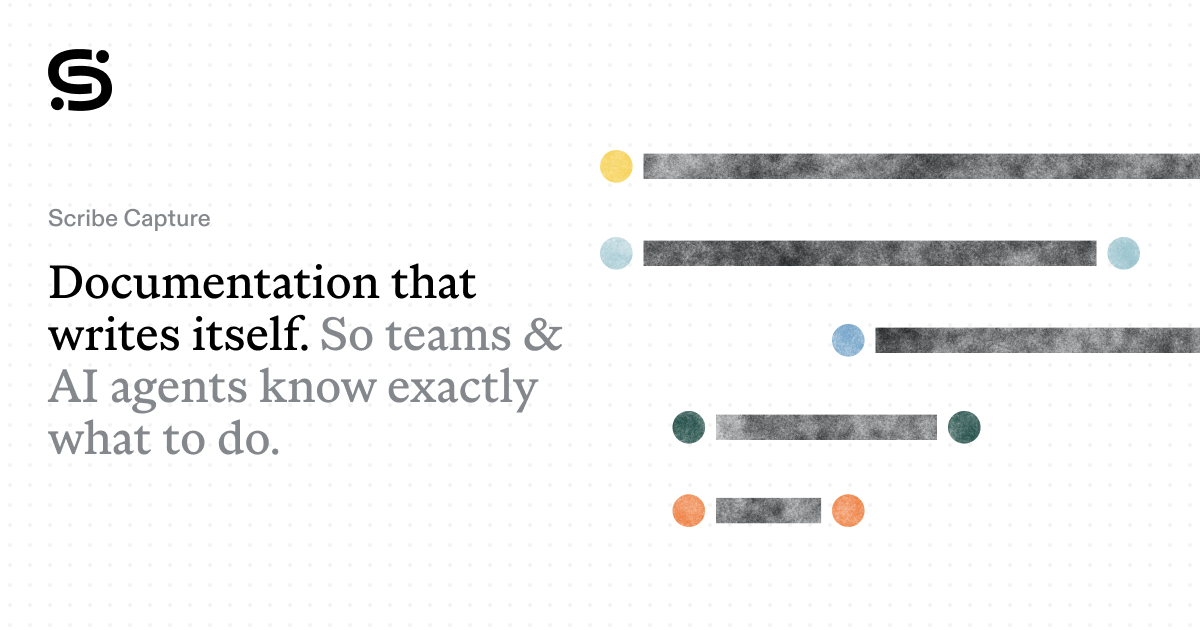
Scribe Capture official product preview

Scribe Capture (opens a new tab)

Capture a process as screenshots and step-by-step instructions, with AI help to describe the actions.

Details

Meetings & knowledge · Some setup

Best for

Businesses documenting repeatable admin tasks for staff or customers.

Your first experiment

Record a short task using a test account, then ask a colleague to follow the guide and flag missing steps.

Before you commit

Screenshots can expose personal data, passwords or internal details. Redact the guide and review sharing permissions before distributing it.

Official source Image source Checked 12 Oct 2026 · Research-based, not a hands-on rating.
Tactiq official preview of meeting transcription and AI notes

Tactiq (opens a new tab)

Capture live meeting transcripts through a browser extension and turn them into summaries and action items without a meeting bot.

Details

Meetings & knowledge · Start yourself

Best for

Teams wanting searchable notes from supported online meetings.

Your first experiment

With everyone informed, transcribe a short planning call and compare the proposed actions and owners with the discussion.

Before you commit

Bot-free transcription still needs participant consent. Check supported meeting platforms, browser permissions and speaker attribution.

Official source Image source Checked 12 Oct 2026 · Research-based, not a hands-on rating.
Fellow official AI meeting assistant artwork

Fellow (opens a new tab)

Record and transcribe meetings, generate summaries and manage how meeting knowledge is shared across a team.

Details

Meetings & knowledge · Some setup

Best for

Teams that need consistent meeting notes and control over access and retention.

Your first experiment

Capture one consented project meeting, check the action owners and confirm that only the intended colleagues can see the notes.

Before you commit

Set recording consent, sharing and retention rules before rollout. Review summaries for missed decisions and check which controls your plan includes.

Official source Image source Checked 12 Oct 2026 · Research-based, not a hands-on rating.
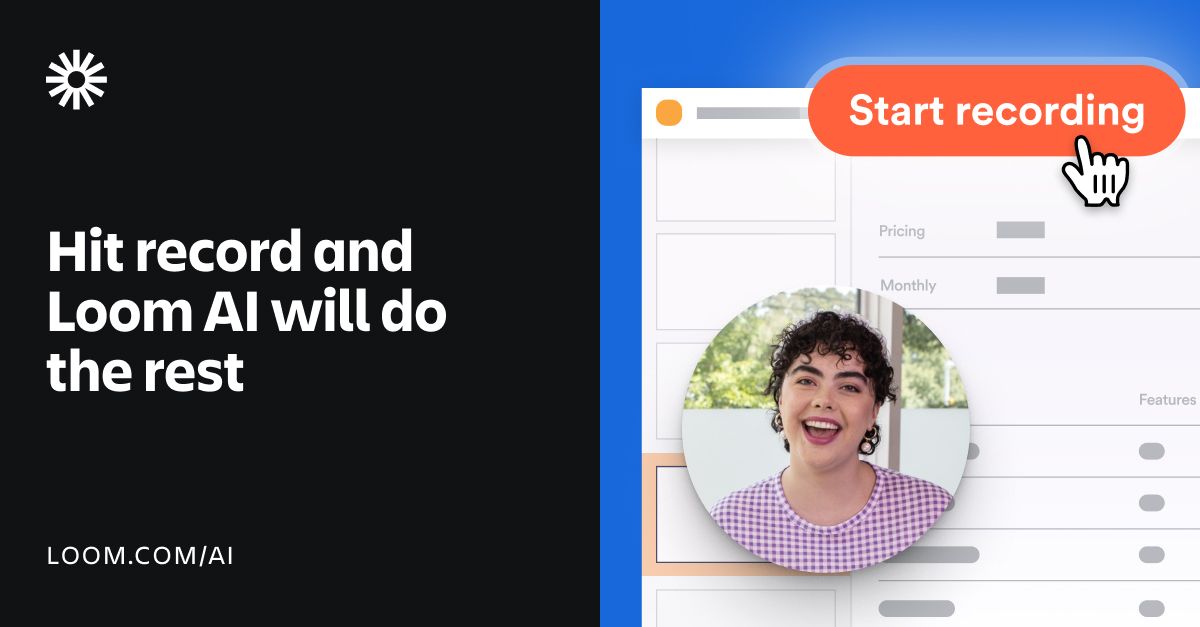
Loom AI artwork showing a recorded walkthrough and automatic assistance

Loom AI (opens a new tab)

Record walkthroughs and use AI to create summaries, chapters and written guides from your videos.

Details

Meetings & knowledge · Start yourself

Best for

Teams explaining processes asynchronously instead of repeating the same demonstration.

Your first experiment

Record a two-minute walkthrough without confidential information, generate a guide and ask a colleague to follow it.

Before you commit

Check screen content and recording consent. Review generated steps for omissions; Loom AI requires an eligible plan.

Official source Image source Checked 12 Oct 2026 · Research-based, not a hands-on rating.
Rovo artwork from Atlassian's official product page

Atlassian Rovo (opens a new tab)

Search, chat and agents that work with knowledge in Atlassian products and approved connected tools.

Details

Meetings & knowledge · Some setup

Best for

Teams already keeping project work in Jira and Confluence.

Your first experiment

Ask for a project handover from a small set of approved Confluence pages, then check each claim against its source.

Before you commit

Review connector permissions and agent actions. Access depends on an eligible Atlassian Cloud plan, and AI usage consumes credits.

Official source Image source Checked 12 Oct 2026 · Research-based, not a hands-on rating.
Choosing a tool

Check participant consent, retention and who can access recordings. Test whether action items identify the right owner and whether summaries link back to the conversation or document.

A good tool is a start.
A connected workflow is better.

Already have a few apps? See where they could save you copying, chasing and repeat work.

Map my tools
About this directory

We select tools using official product information, not paid rankings or hands-on ratings. Check current features and plans before buying.

Sources checked 12 Oct 2026. We review the directory weekly.

Your shortlist stays in this browser. Product images belong to their respective providers.